
Calm motion: animations on this site only fade, with no movement
Volume 03 · finished screens
Blocks
A block is a finished section, for example a news list, a schedule table, or a login form. Blessing components build it. It ships as source that you copy into your project. It is not a package that you import. Run npx blessing-ui add <block> to copy the folder into src/features/, or copy it by hand. Then rename what you like. Then point its data at your backend. Use the offline api.ts if the block has one. Otherwise use the arrays at the top of index.vue.
Every block follows one contract:
index.vue: the block. It imports only fromblessing-uiand its own folder.parts/: sub-components, for a block that outgrows one file.use<Name>.ts: state and behavior, as a plain Vue composable.domain.tsandapi.ts: types, pure helpers, and a port with an offline mock.
Nothing crosses block folders. Delete one and the others still build.
Two kinds
Official site blocks are the sections of the front page of an anime official site. These are the shapes that Blessing was drawn for. The other groups are product screens. Accounts and admin, People and messages, Work, Money, and Everyday cover every kind of site on the site types page. Site frame has the header and the footer that go around the pages of any site. Shop has a product page and a checkout, and Marketing has a landing page.
Official site
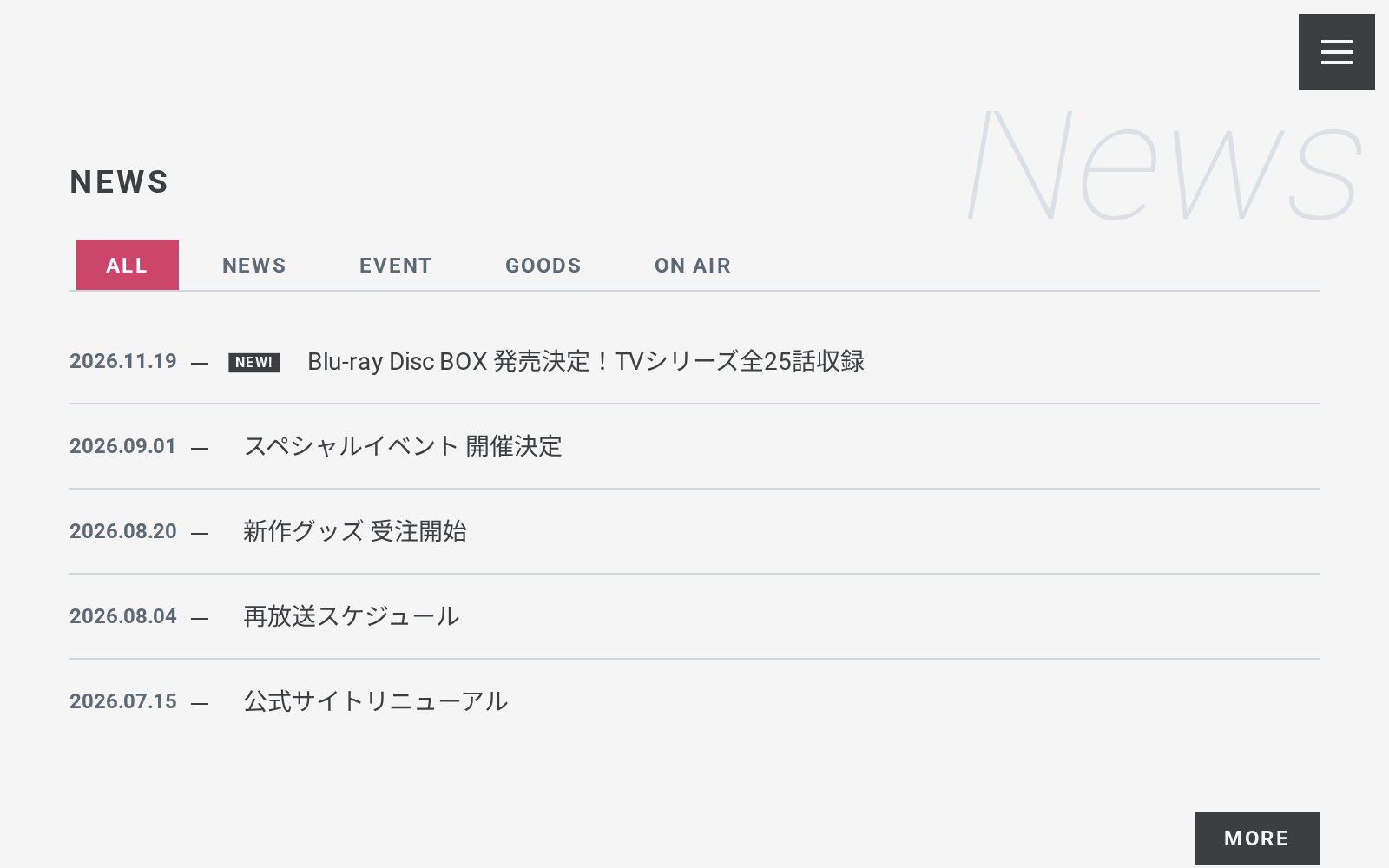
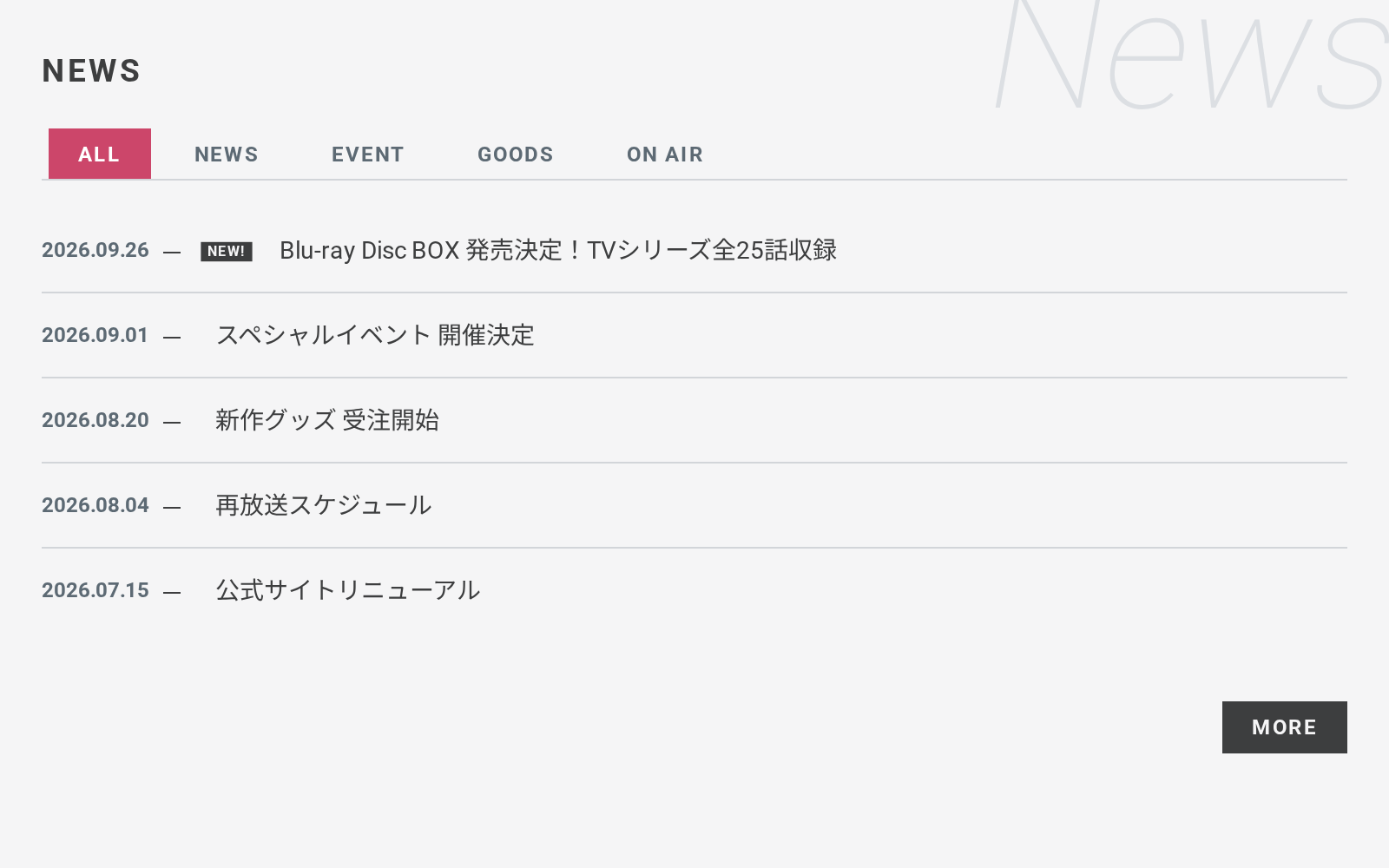 NewsDated news rows with NEW! badges and category tabs under an oversized watermark: the front page of an official site.
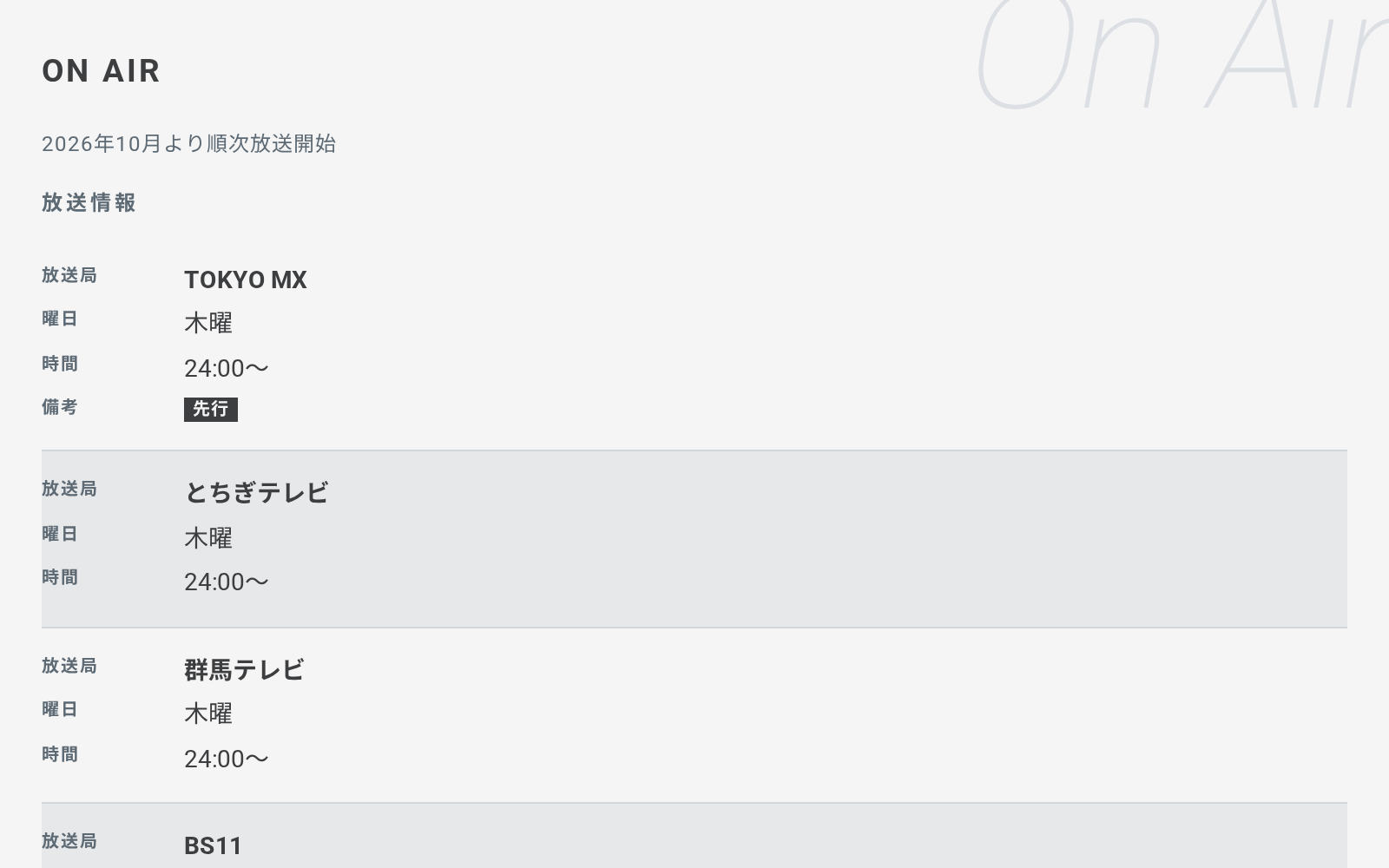 On AirBroadcast schedule as a station table, with streaming services below. On a phone, it stacks into label and value rows.
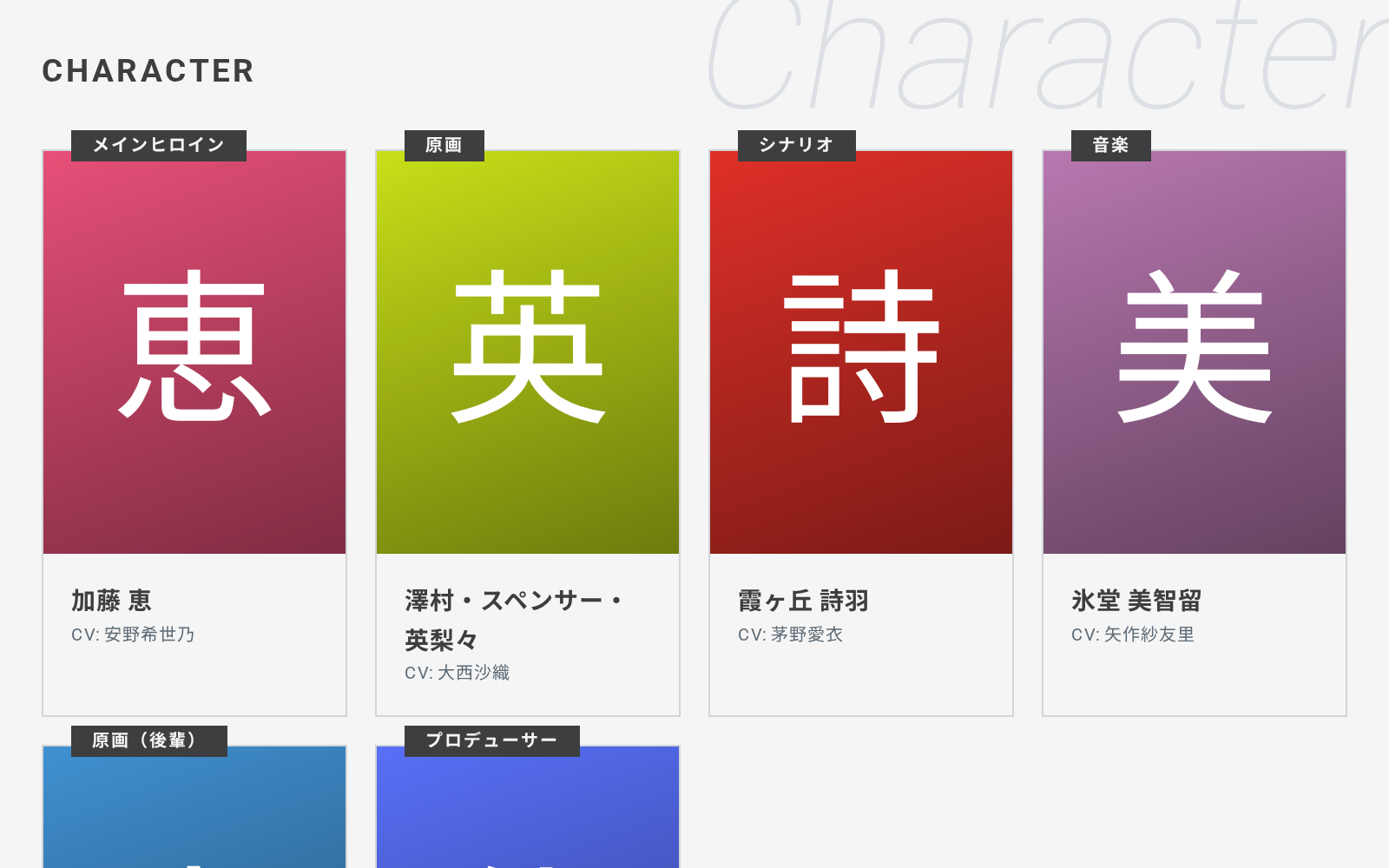 CharacterA grid of character cards. Each card opens a hash-routed modal with the profile and cast. Deep links survive reload.
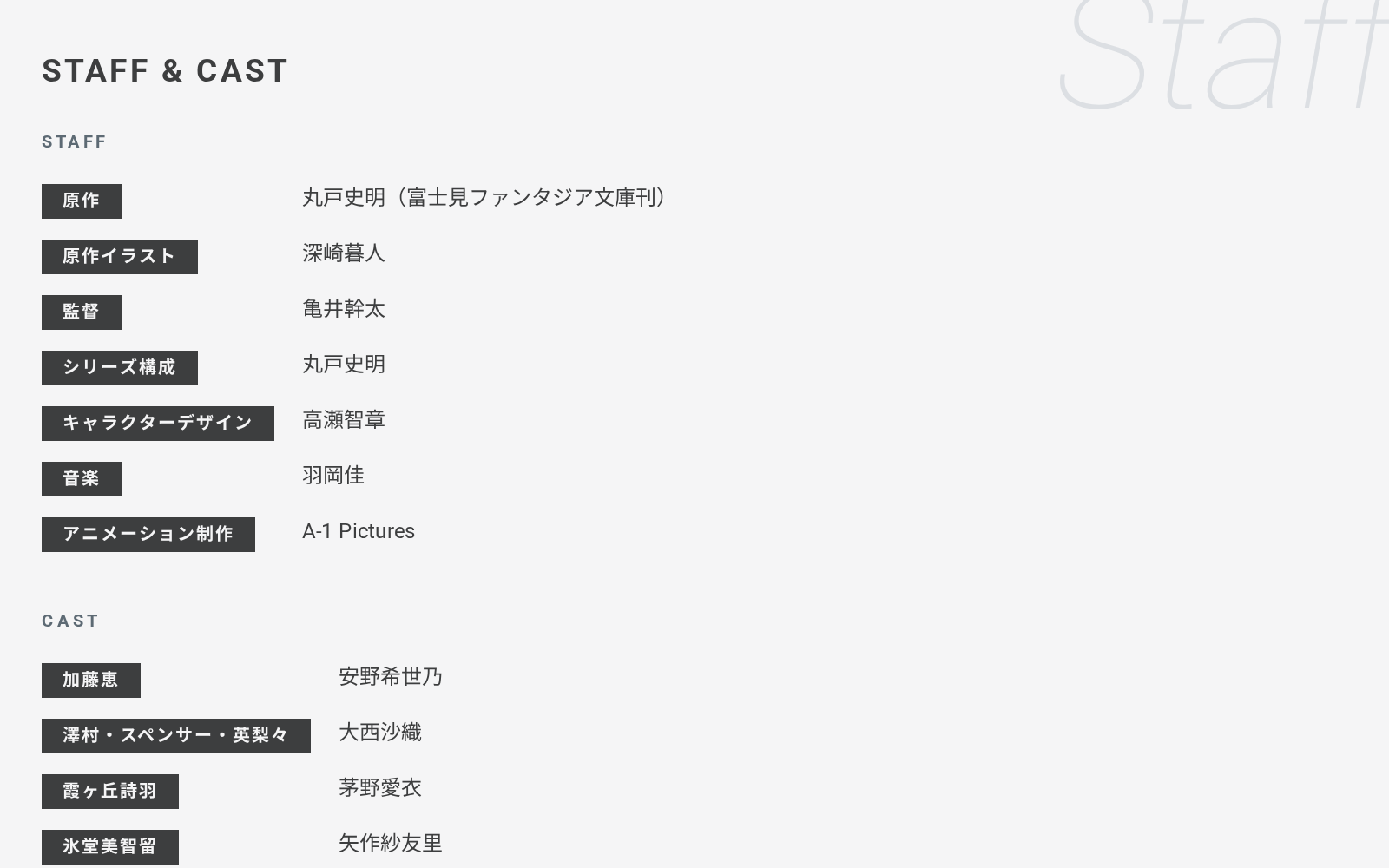 Staff & CastCredits as two definition lists side by side, with roles in ink labels and names beside them. On a phone, they stack.
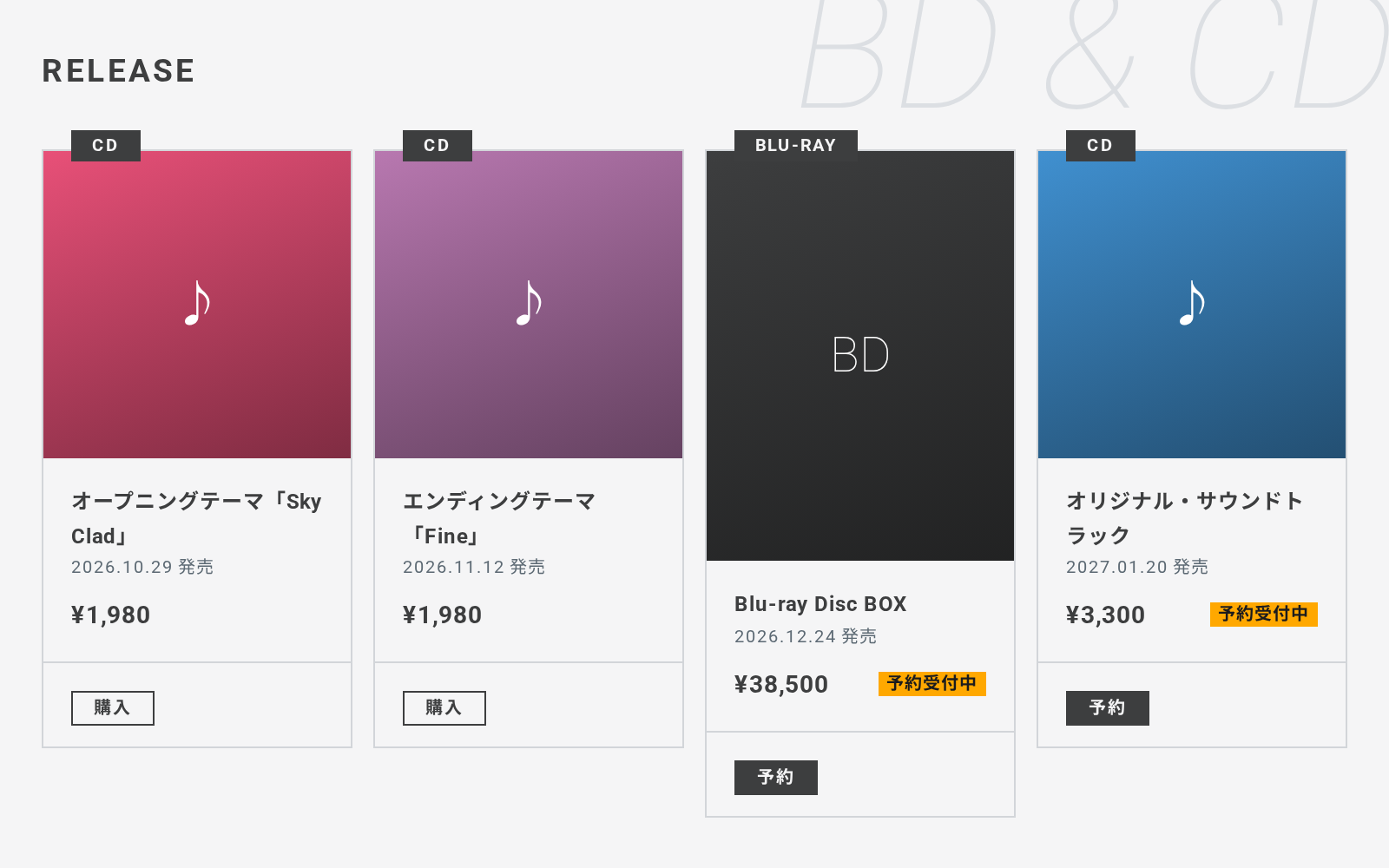 ReleaseBlu-ray and CD release cards with cover, price, date, and a purchase button, soonest first. The grid reflows on phones.
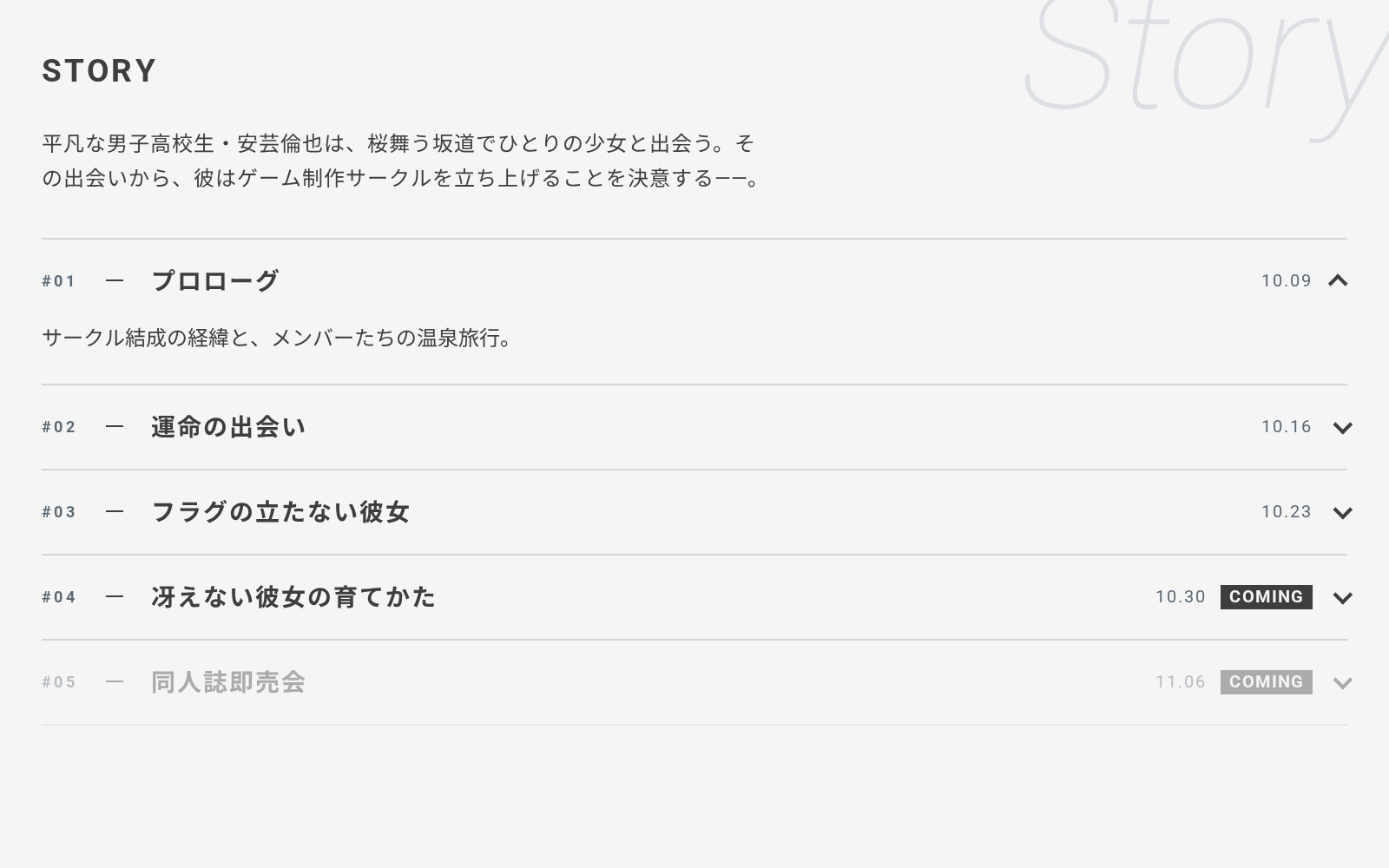 StoryEpisode list: number, title, air date, and a synopsis that expands, under a short premise.
 Full siteAll six official-site sections inside BlessStage, with sidebar nav and scroll-spy, a key-visual background, and a drawer on phones. It opens full-page.
Accounts and admin
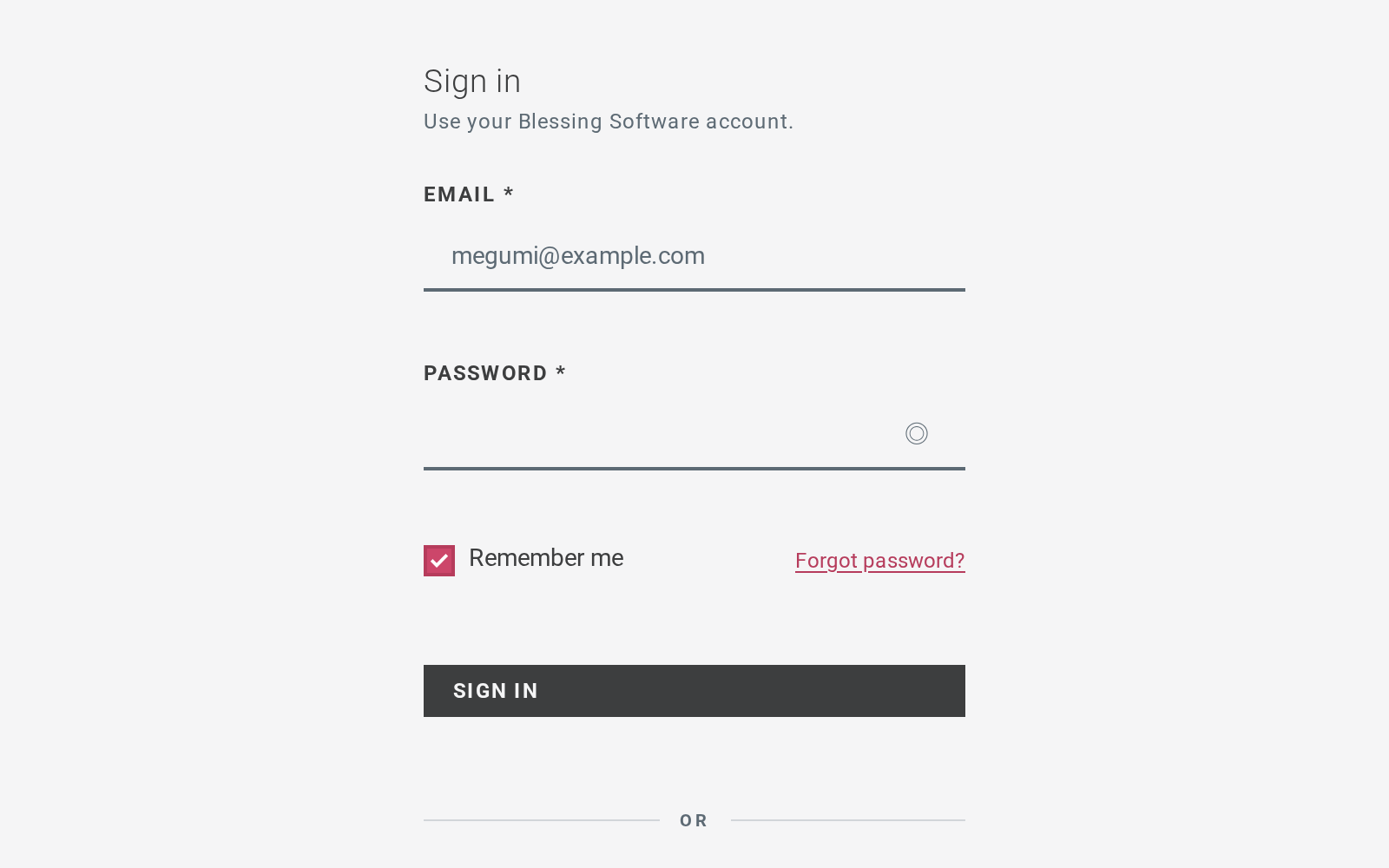 Sign inEmail and password with native validation, remember-me, a forgot link, and a divider to OAuth: the form that every app starts with.
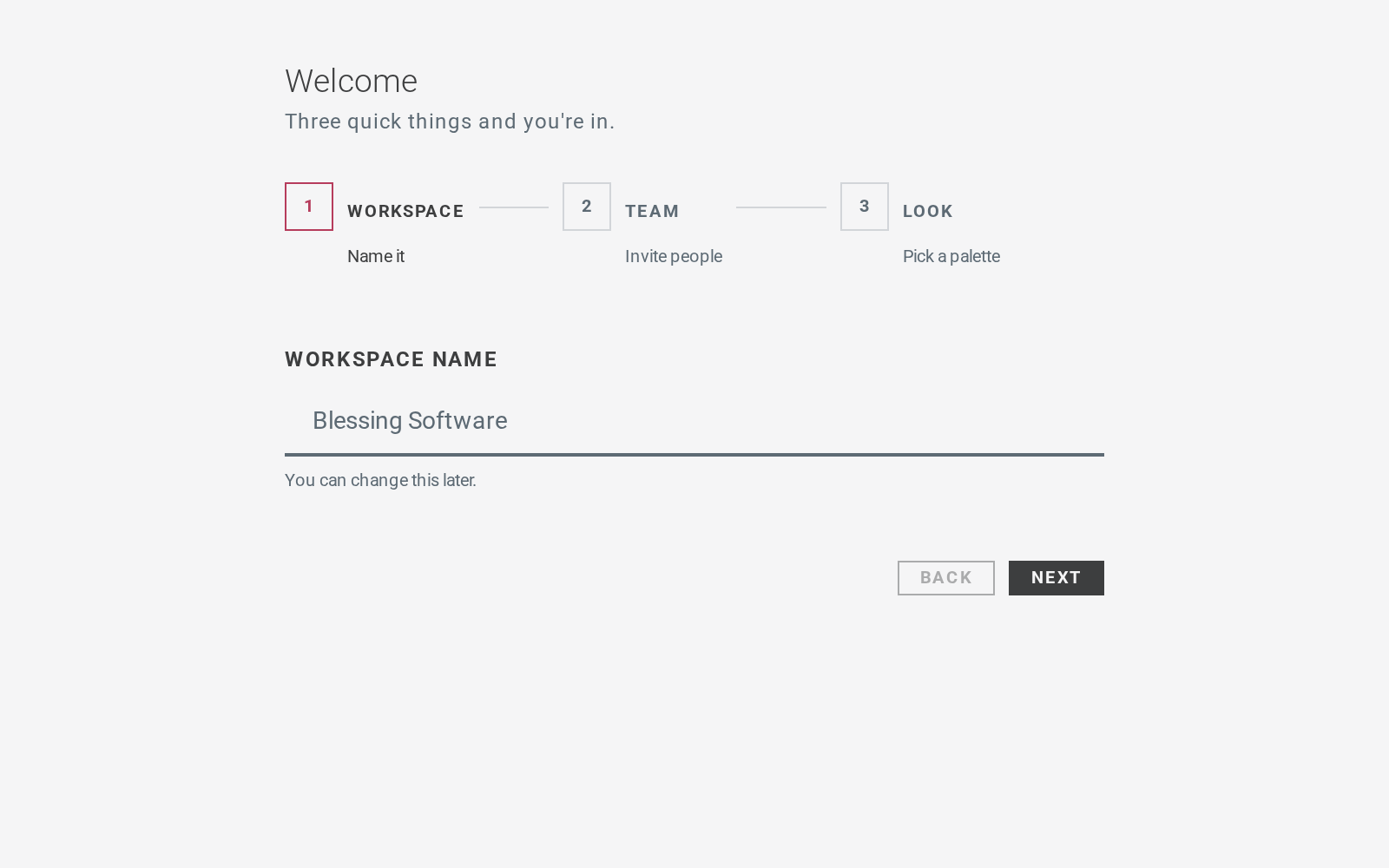 OnboardingA three-step first-run wizard (workspace name, invite teammates, pick a palette) with a progress header and a finish screen.
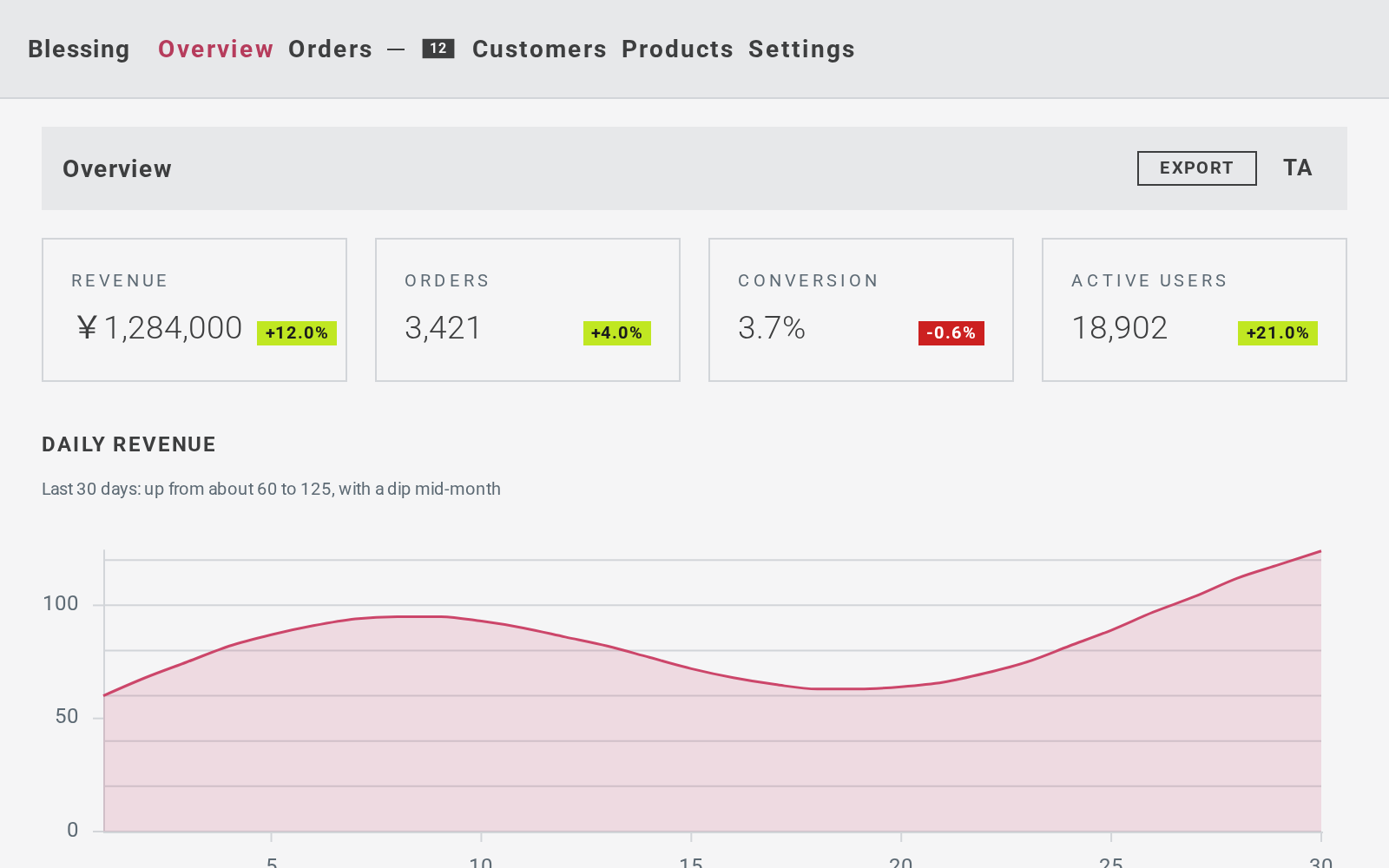 DashboardSidebar and toolbar shell with a stats row, a trend chart, and recent orders. On a phone, the sidebar becomes a strip that scrolls sideways.
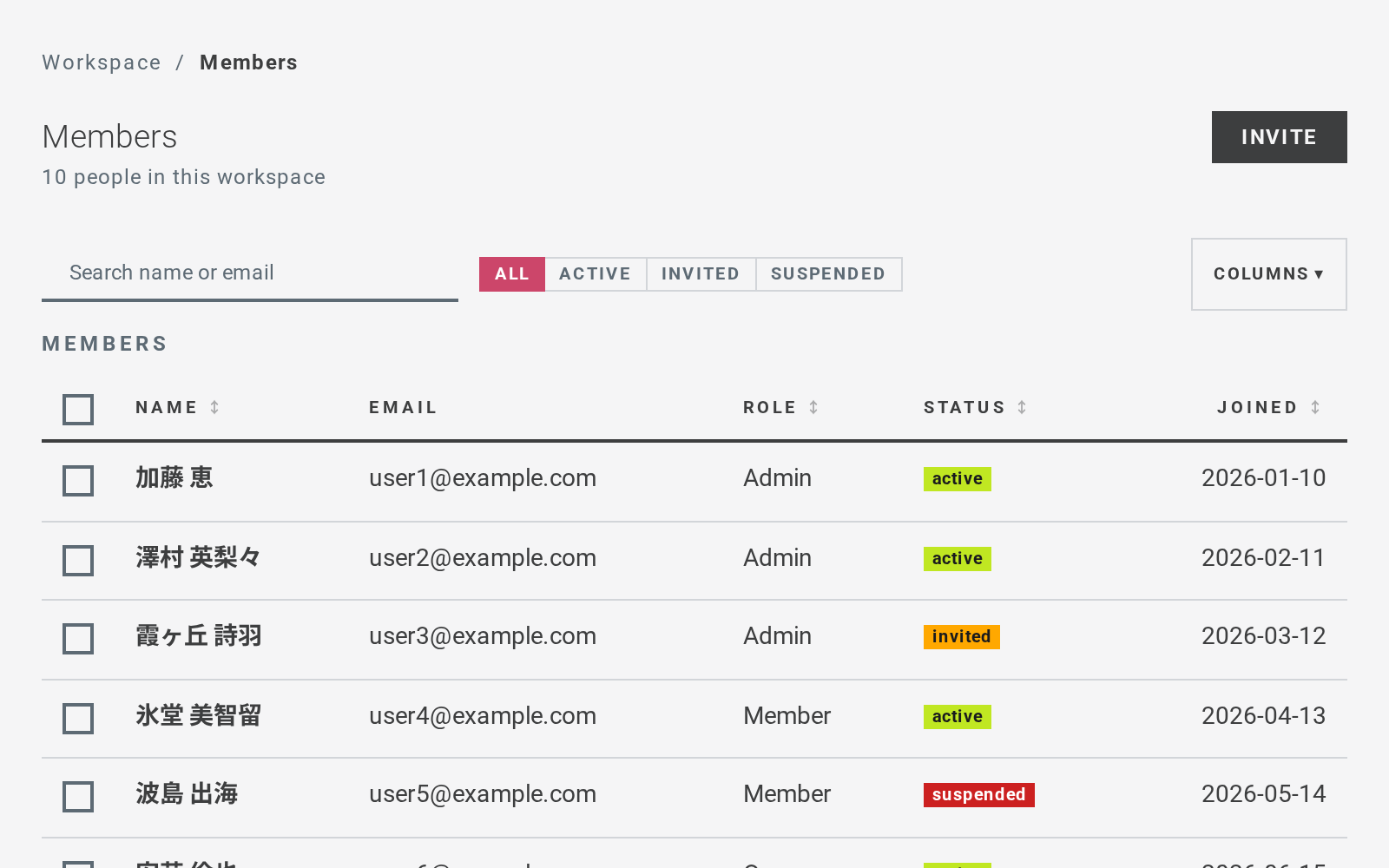 Data pageBreadcrumb, a title row with a primary action, a status filter, and a sortable, searchable, selectable data table. A person can undo the bulk Remove.
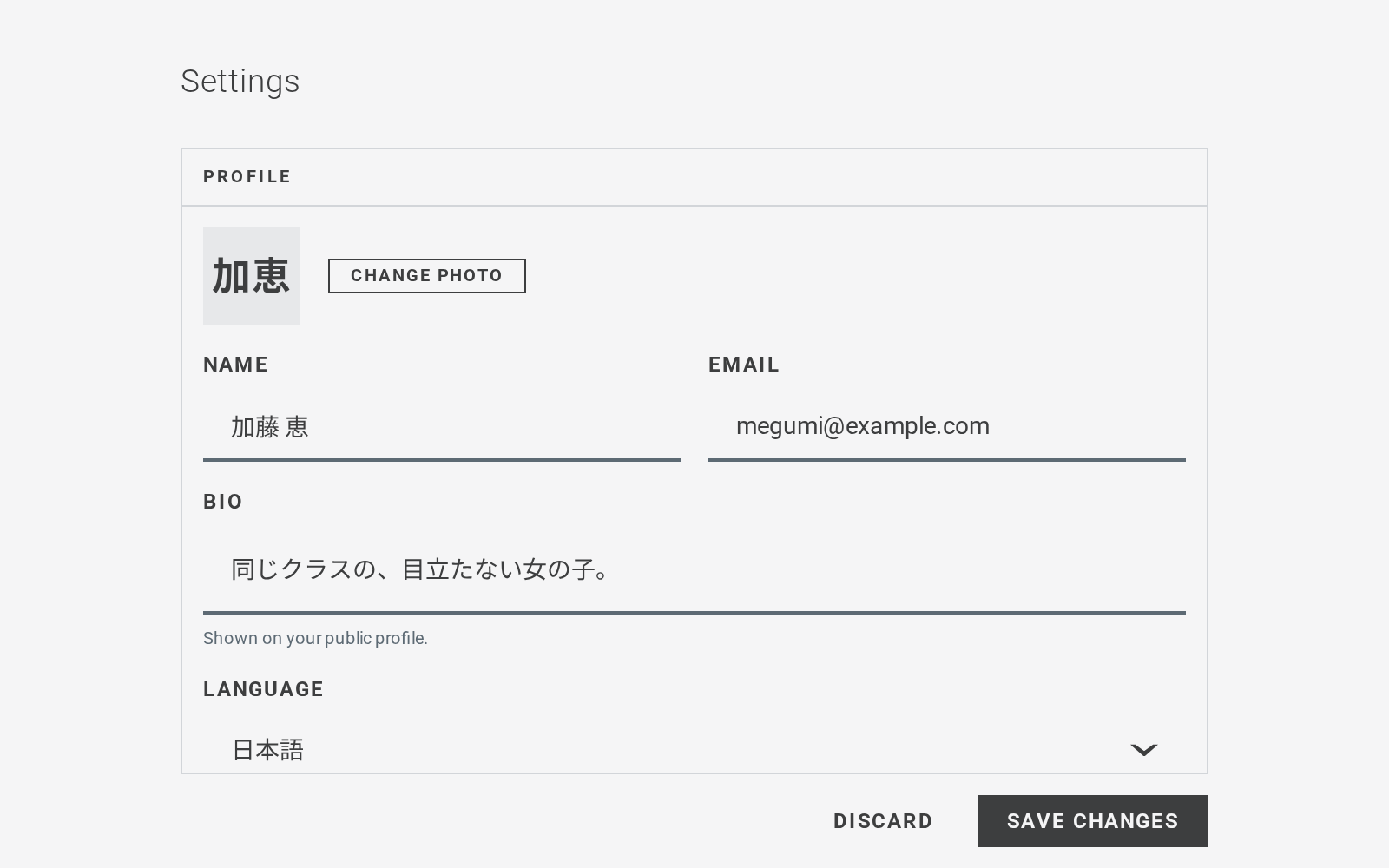 SettingsProfile, notifications, and a danger zone as stacked panels in one form. Enter saves and Discard restores. A sticky save bar stays in view.
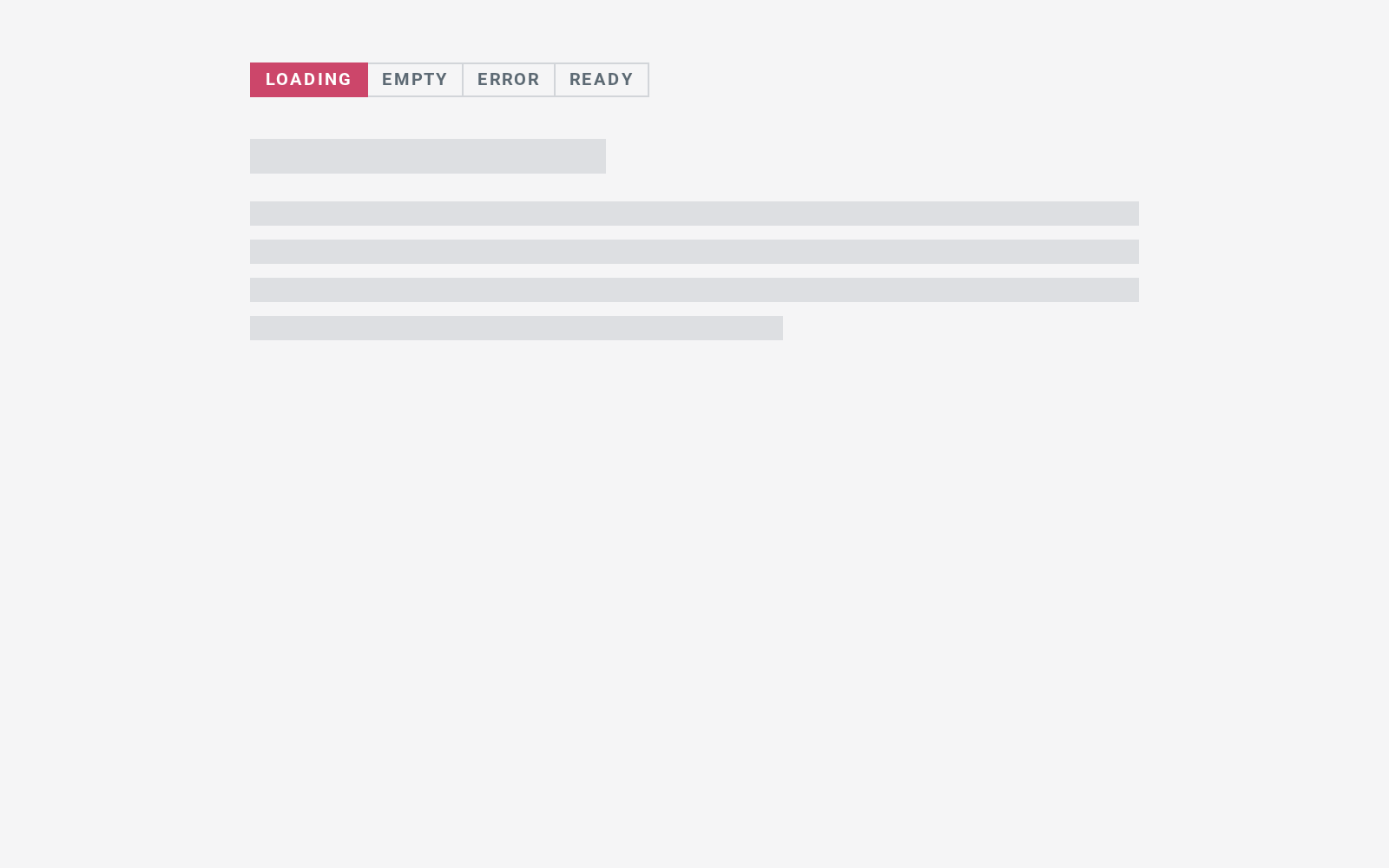 Page statesThe three non-happy paths that every list needs: loading skeleton, empty with a call to action, and error with retry. One `state` switch controls them.
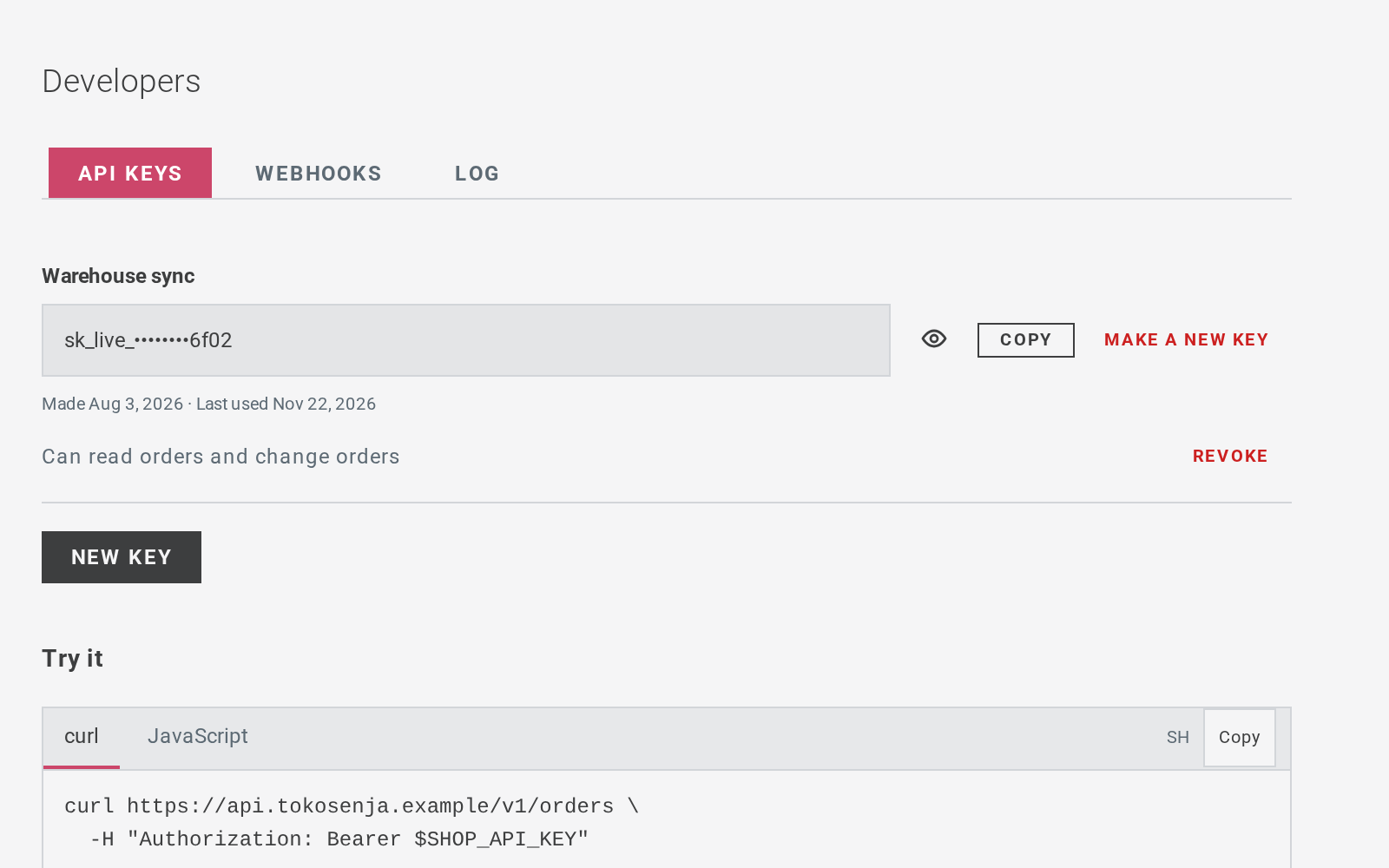 DevelopersAPI keys, a webhook, and a log of each change. A new key shows in full only once. A webhook needs a public https address, and a failed delivery can be sent again.
People and messages
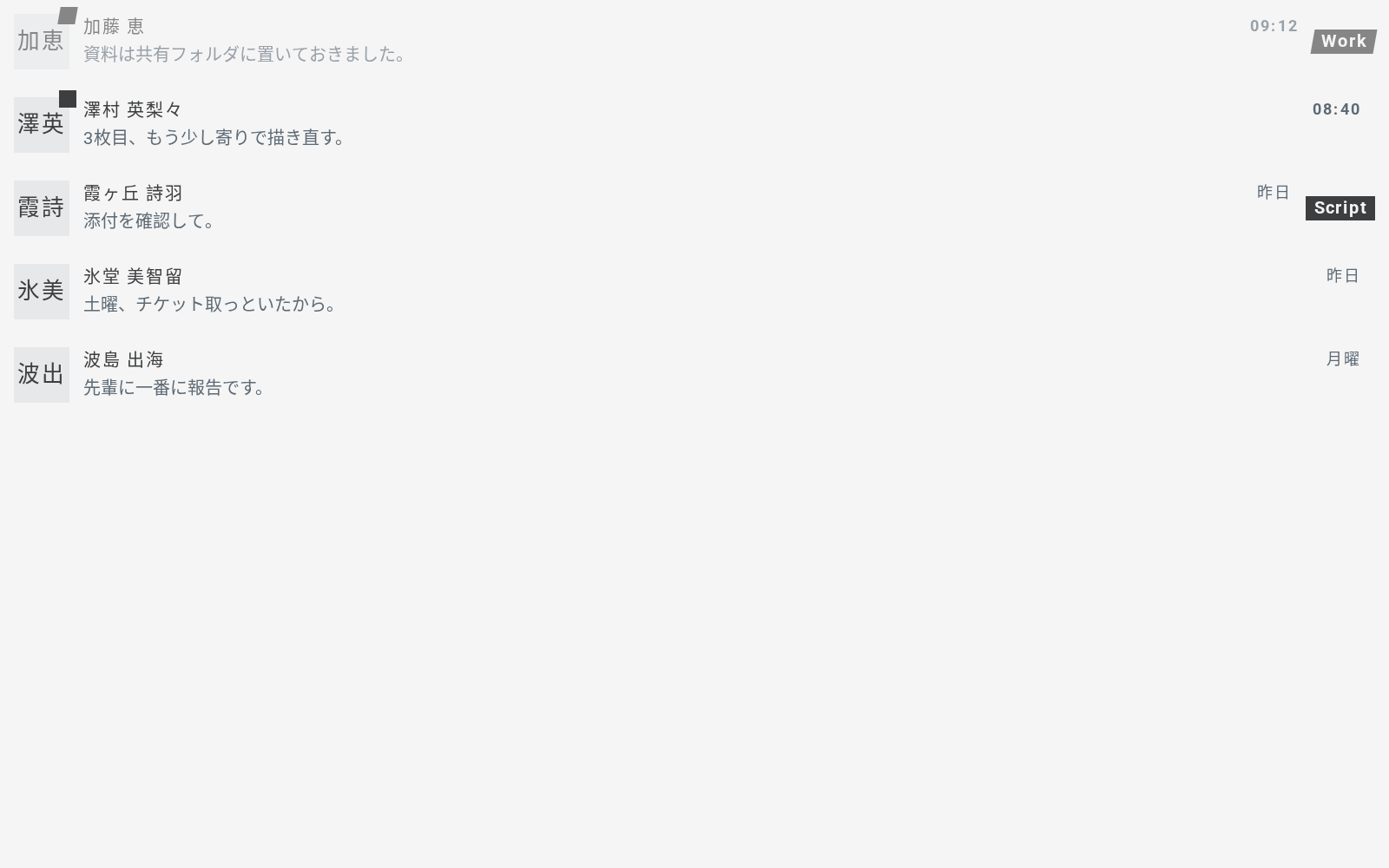 InboxTwo-pane mail: a list with unread indicators, and a reading pane. A person can undo Archive and Delete, and Reply to all leaves the reader out and names each person once. On a phone, it collapses to one pane with a back button.
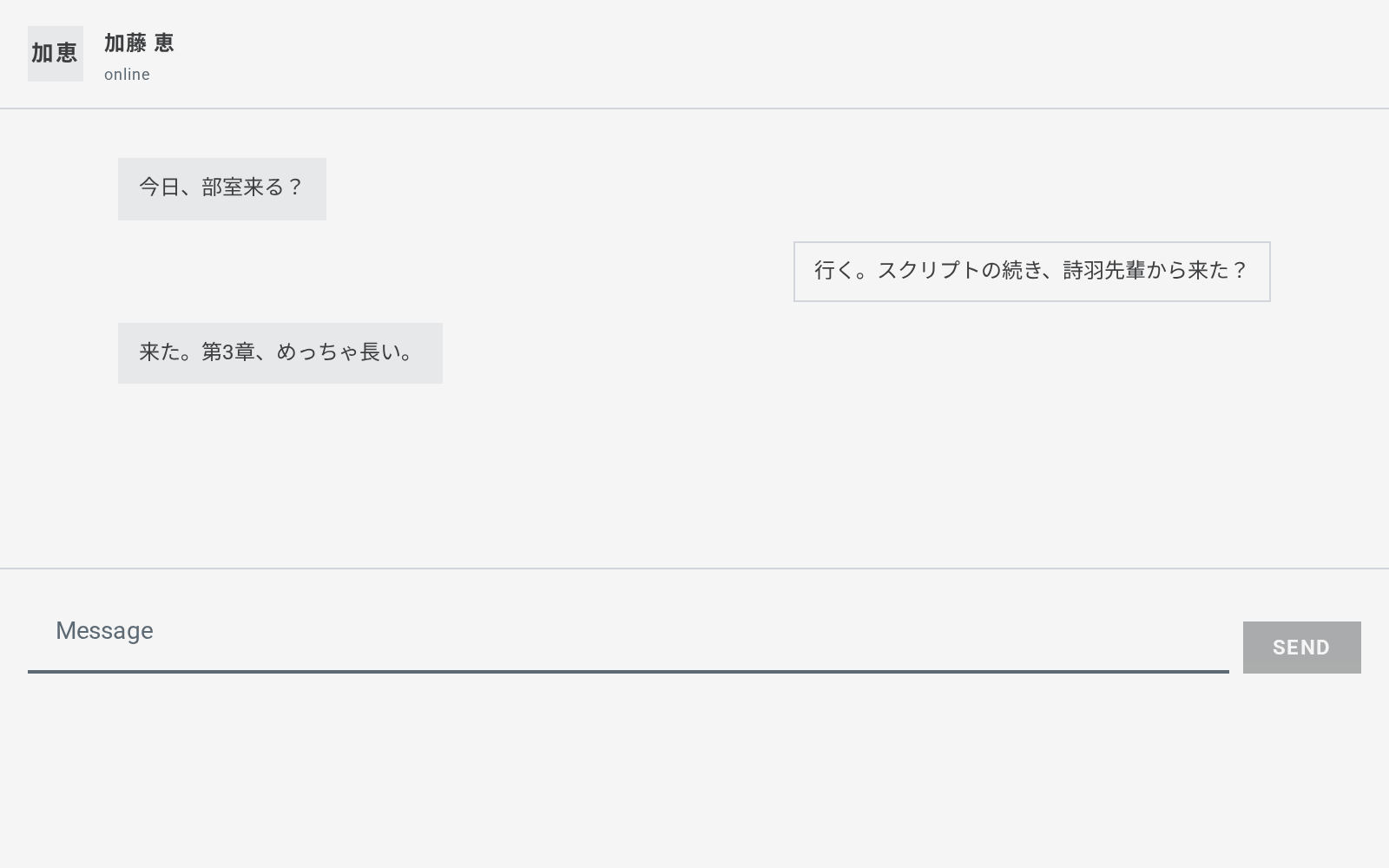 ChatA conversation thread that sticks to the bottom, with a composer that sends on Enter (never mid-IME conversion) and a typing indicator.
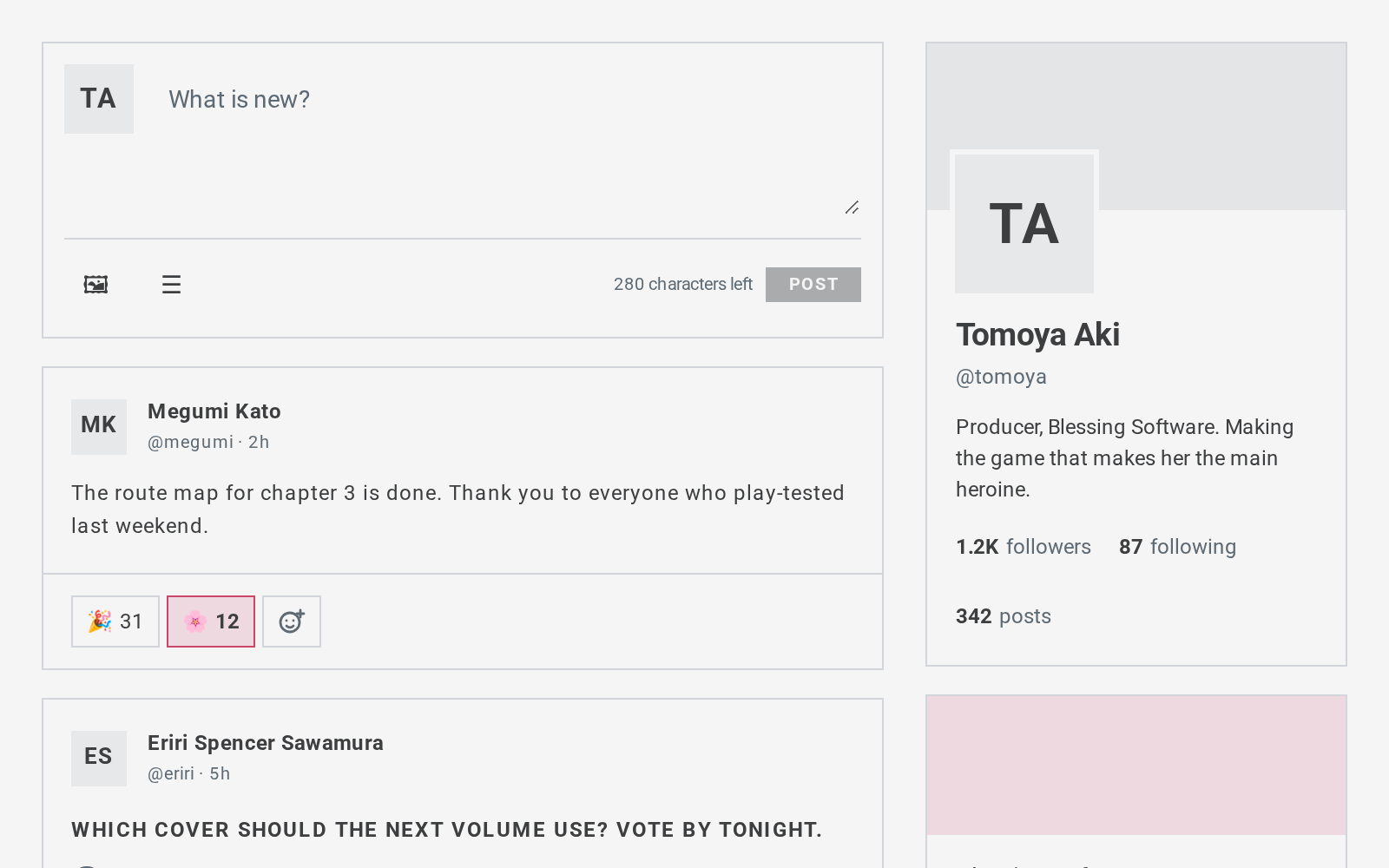 CommunityA social feed with a composer, posts with polls and reactions, your profile and groups on one side, and trends and people to follow on the other. On a phone, the sides move under the feed.
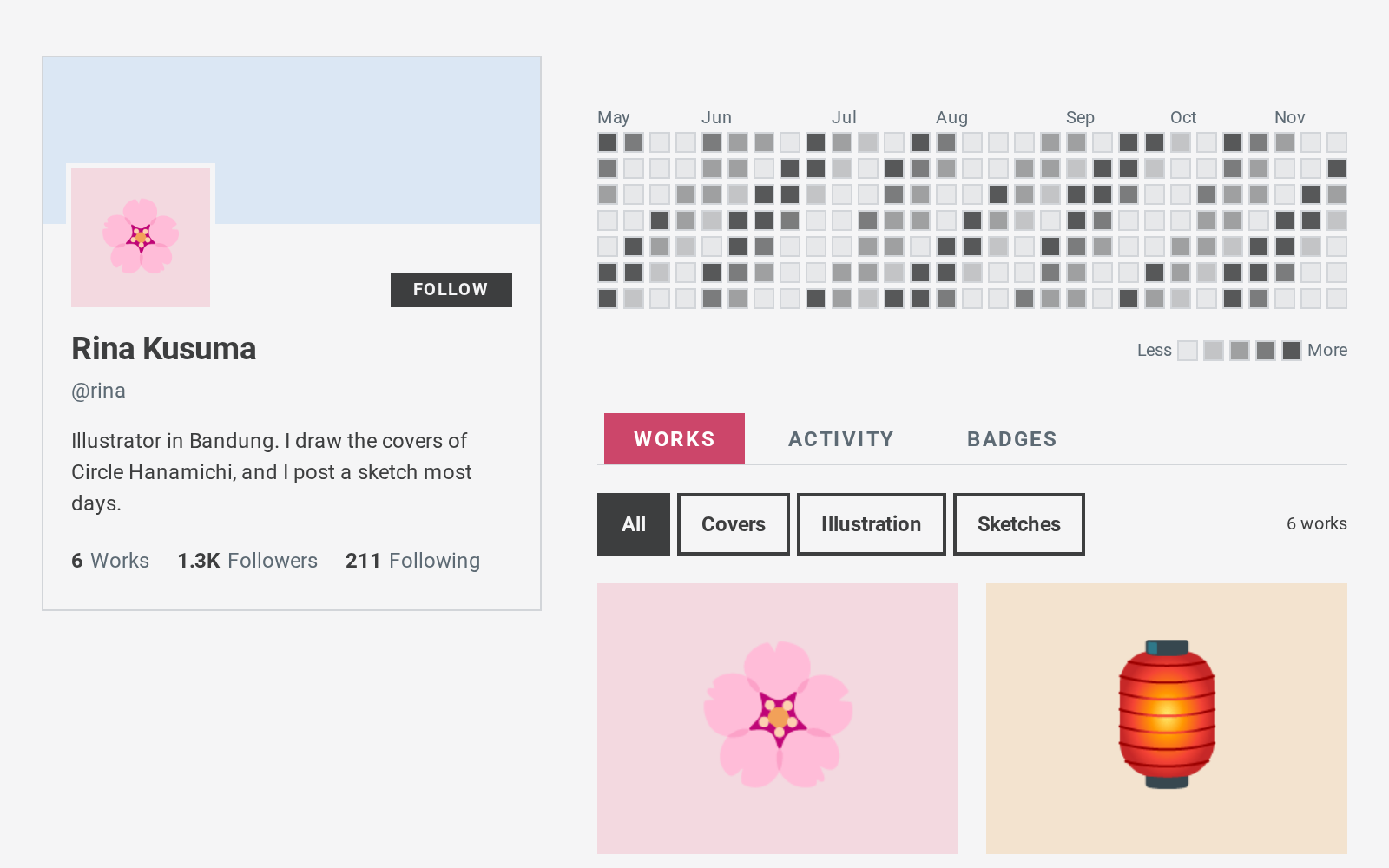 ProfileA public profile: cover, avatar, bio, and counts with Follow, a year of activity as a heatmap, and tabs for works, recent activity, and badges. Follow updates the count at once and undoes it if the server says no.
Work
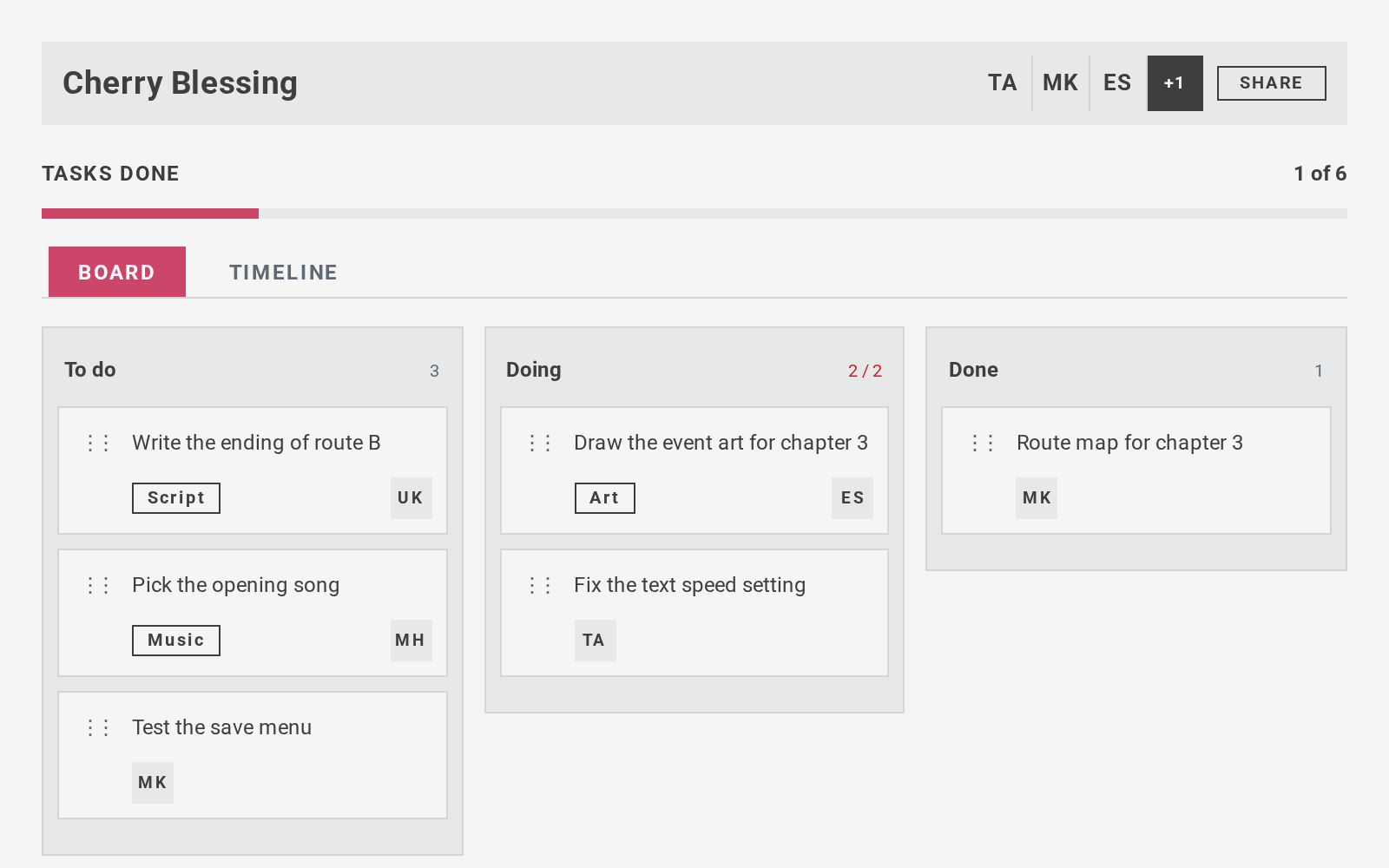 ProjectA team project with a board and a timeline in tabs. Cards move between columns with a limit on work in progress, the timeline shows the plan, and Share opens access by person and by link.
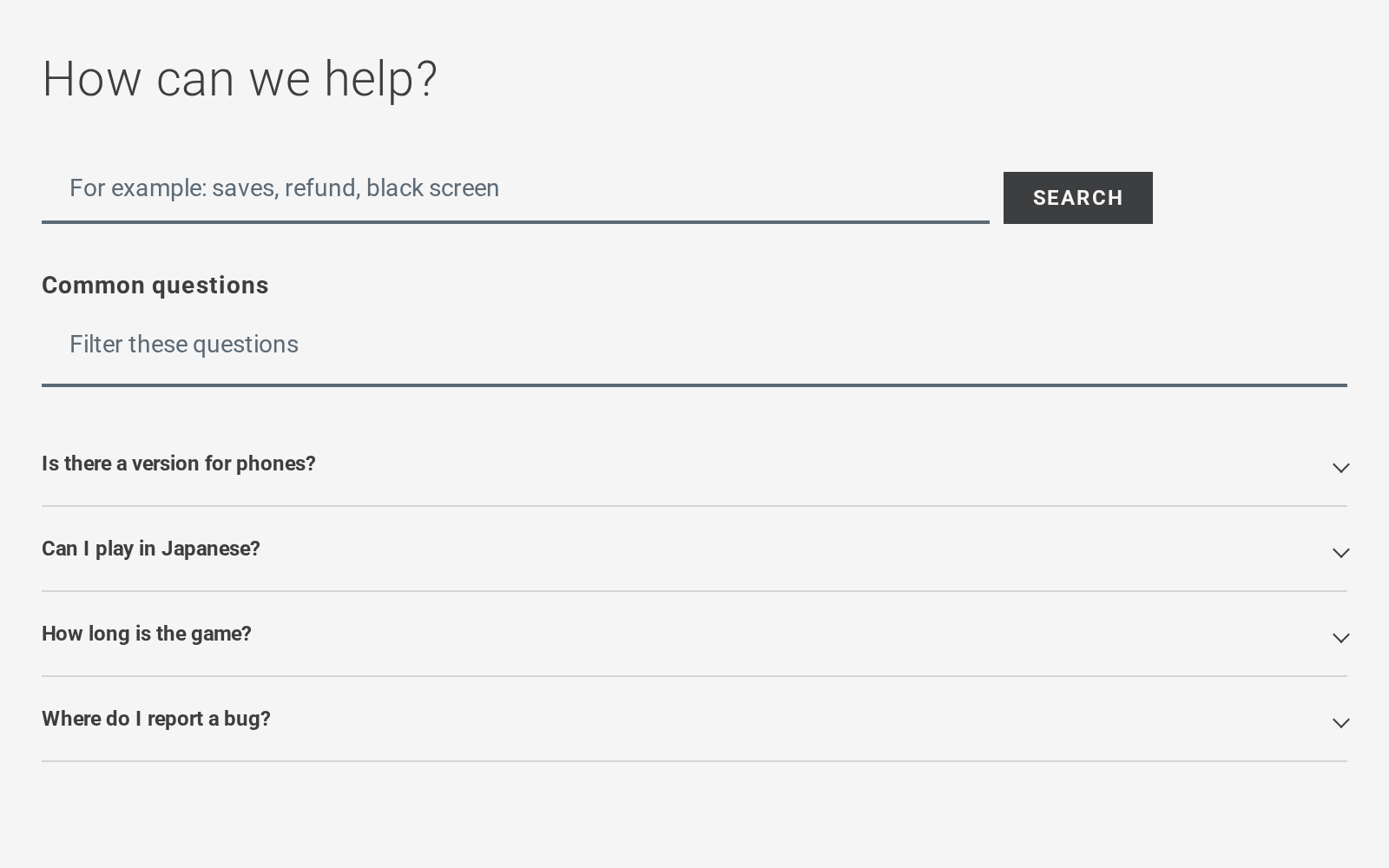 Help centerA help center: a search box, results with a filter by kind, and an article page with sections and related links. With no search, the common questions show. Each article has its own link.
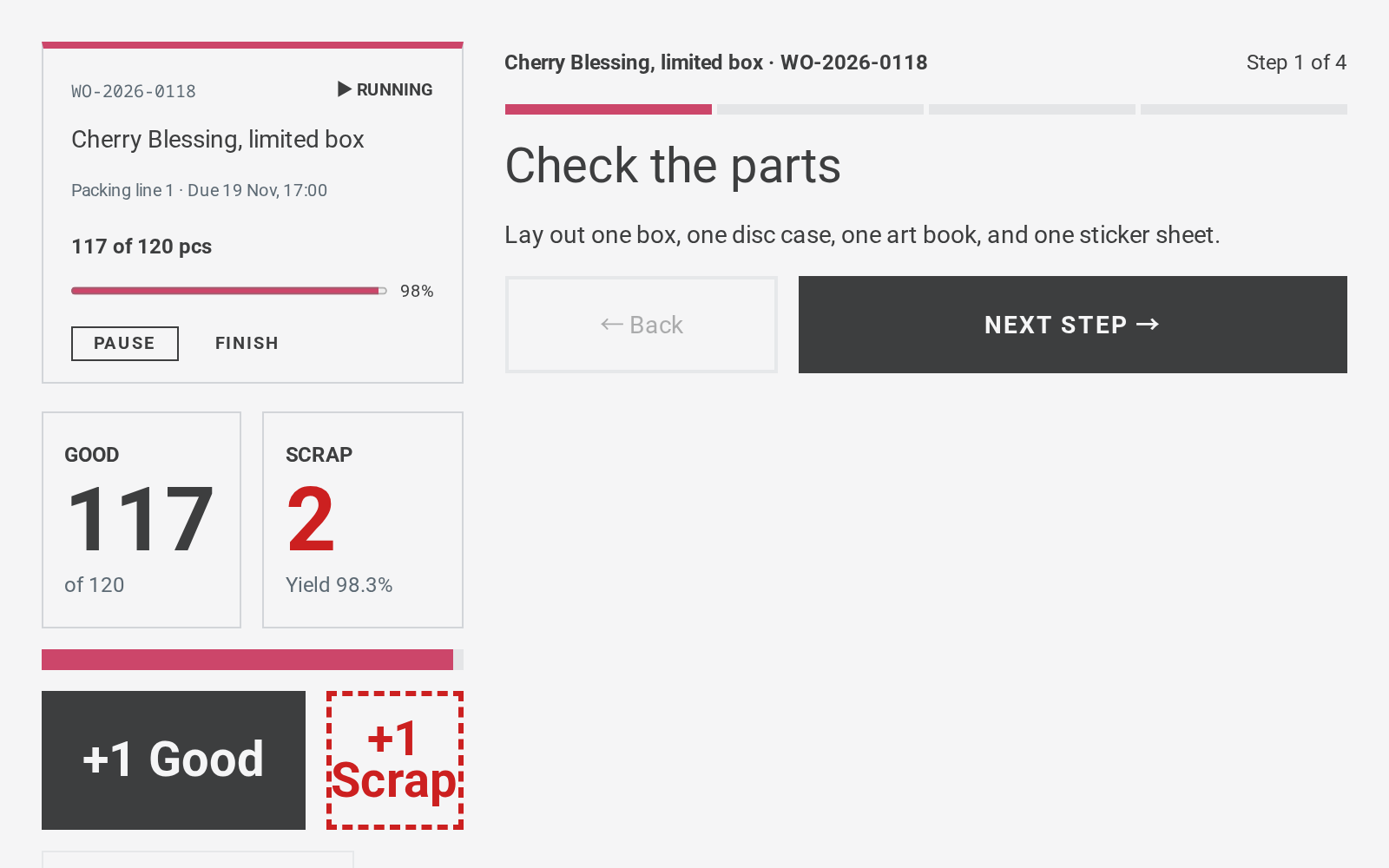 StationA work station on a shop floor: the work order, a counter of good and scrap units, step-by-step instructions, and a quality check for each unit. Pause asks why the line stopped.
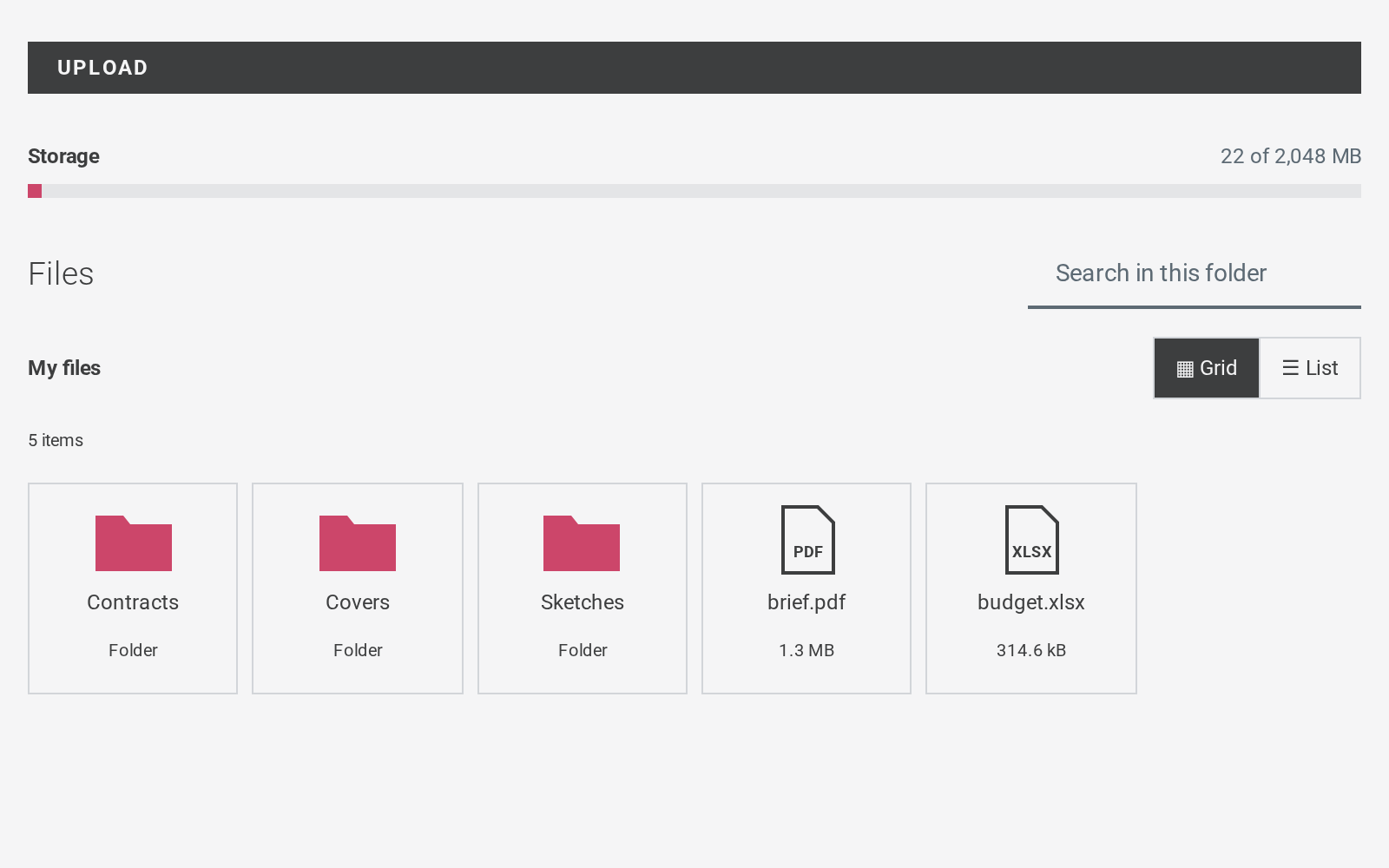 File managerFolders and files in a grid or a list, with the folder path, a search in the folder, and the storage used. Upload adds files to the open folder. Pick a file to see its details, then rename it or delete it.
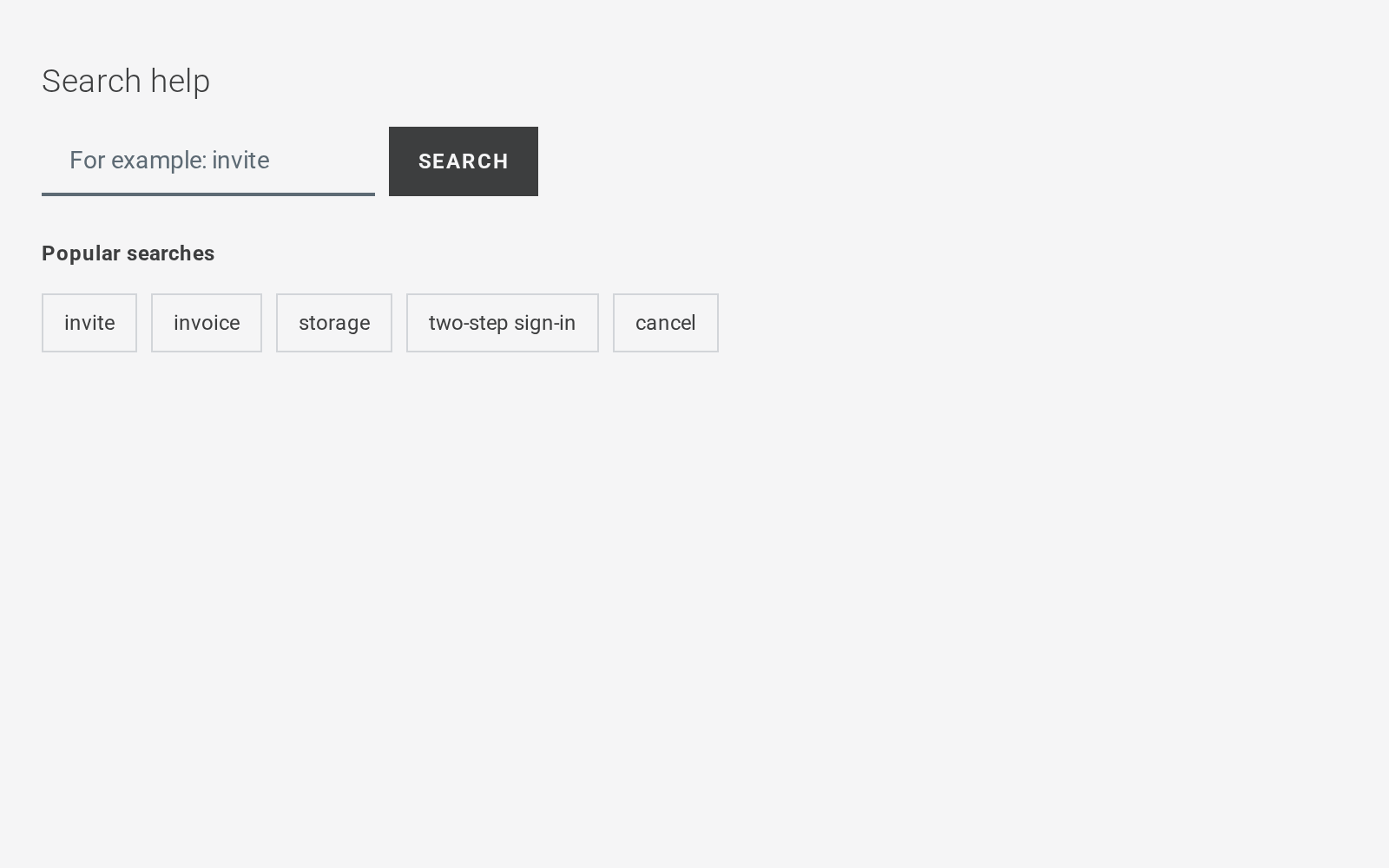 Search resultsA search page for a help center: the box, popular searches, results with the words marked, filters with counts, sort, and pages. A misspelled word gets a better spelling to try.
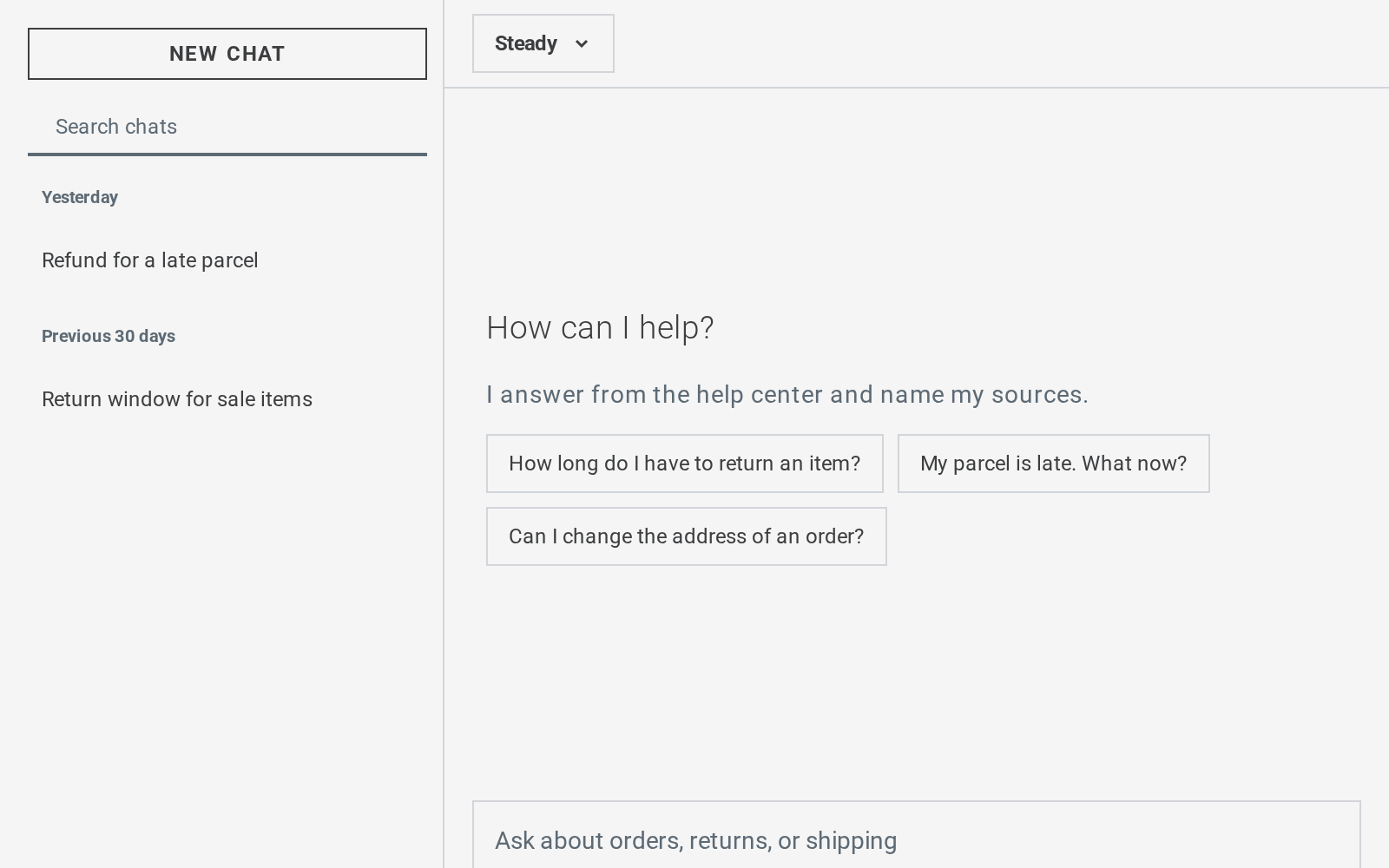 AssistantAn AI assistant for a help center. The reply streams in with its plan, the tool it calls, and its sources, and you can stop it. A model that thinks first shows its reasoning. Earlier chats are on the side.
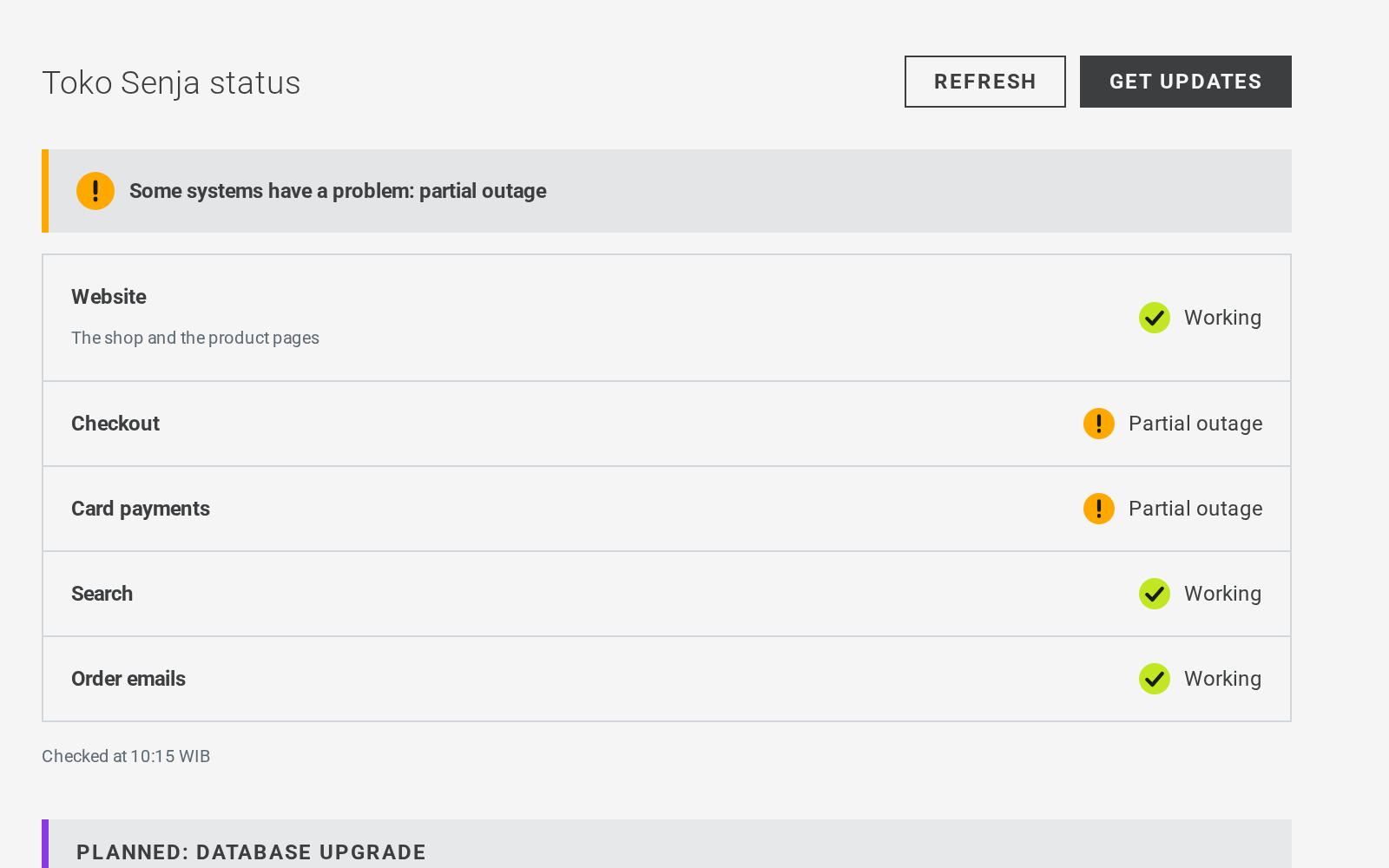 Status pageThe state of each part of a service, its uptime for 30 days, and the incidents with each update. An open incident sets the state of the parts that it affects. People can get the changes by email.
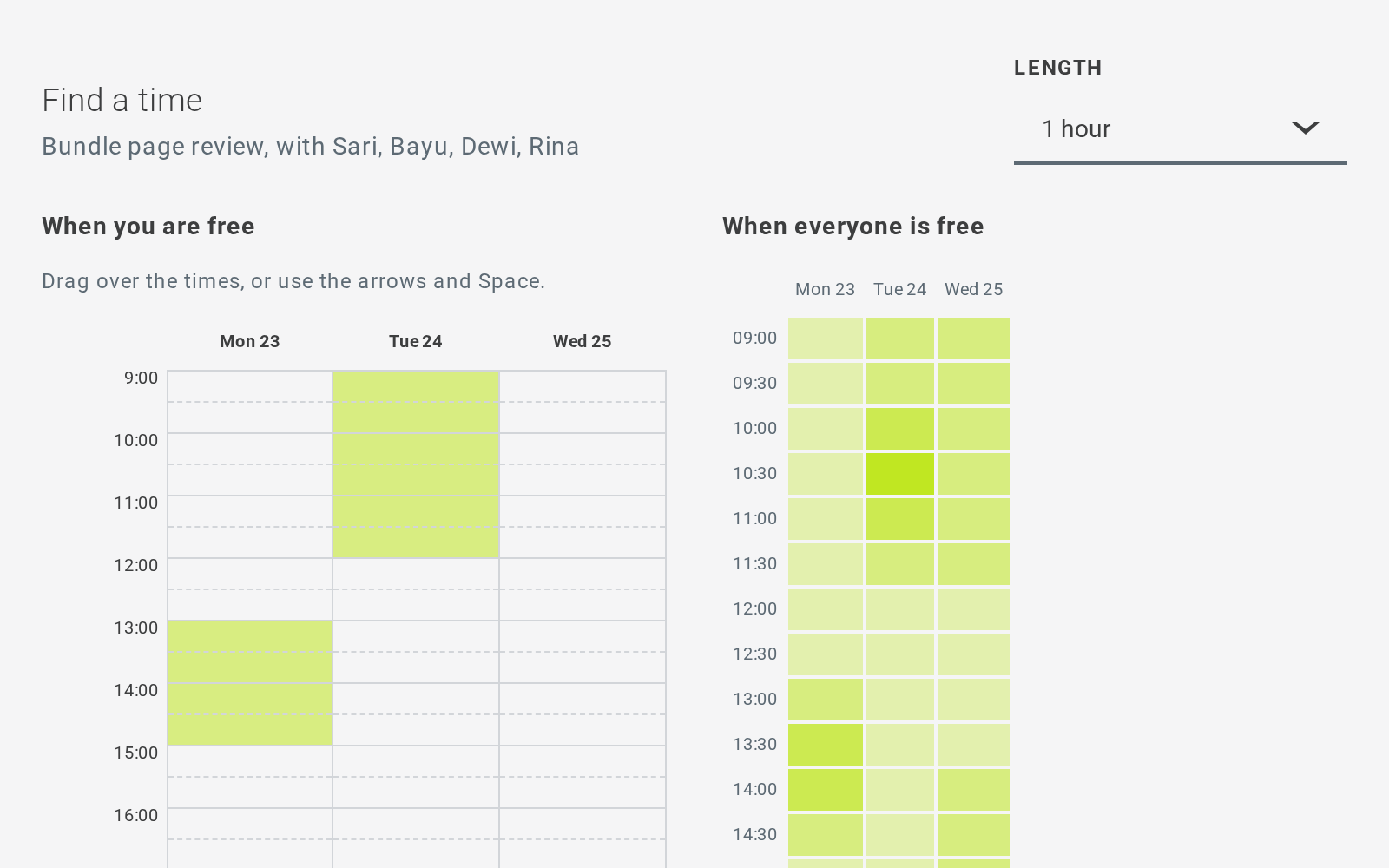 Find a timeA poll for a meeting time. You mark when you are free, the heatmap shows how many people are free at each time, and the best times come first: the most people for the whole meeting, then the earliest.
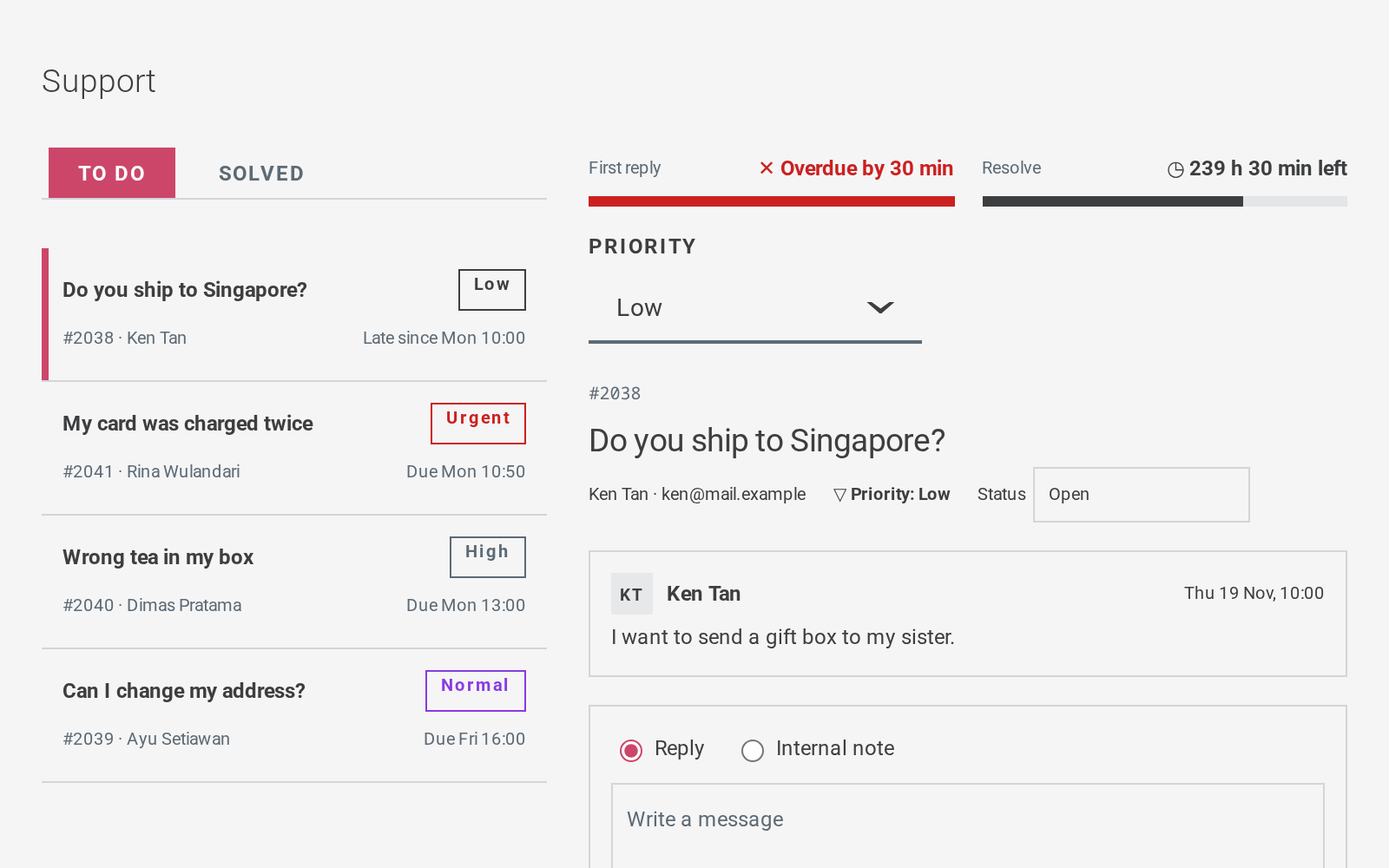 Support deskA queue of tickets by the nearest deadline, and a ticket with its replies and notes. The time limits for the first reply and for the fix count only open hours, so a ticket from the weekend starts on Monday morning.
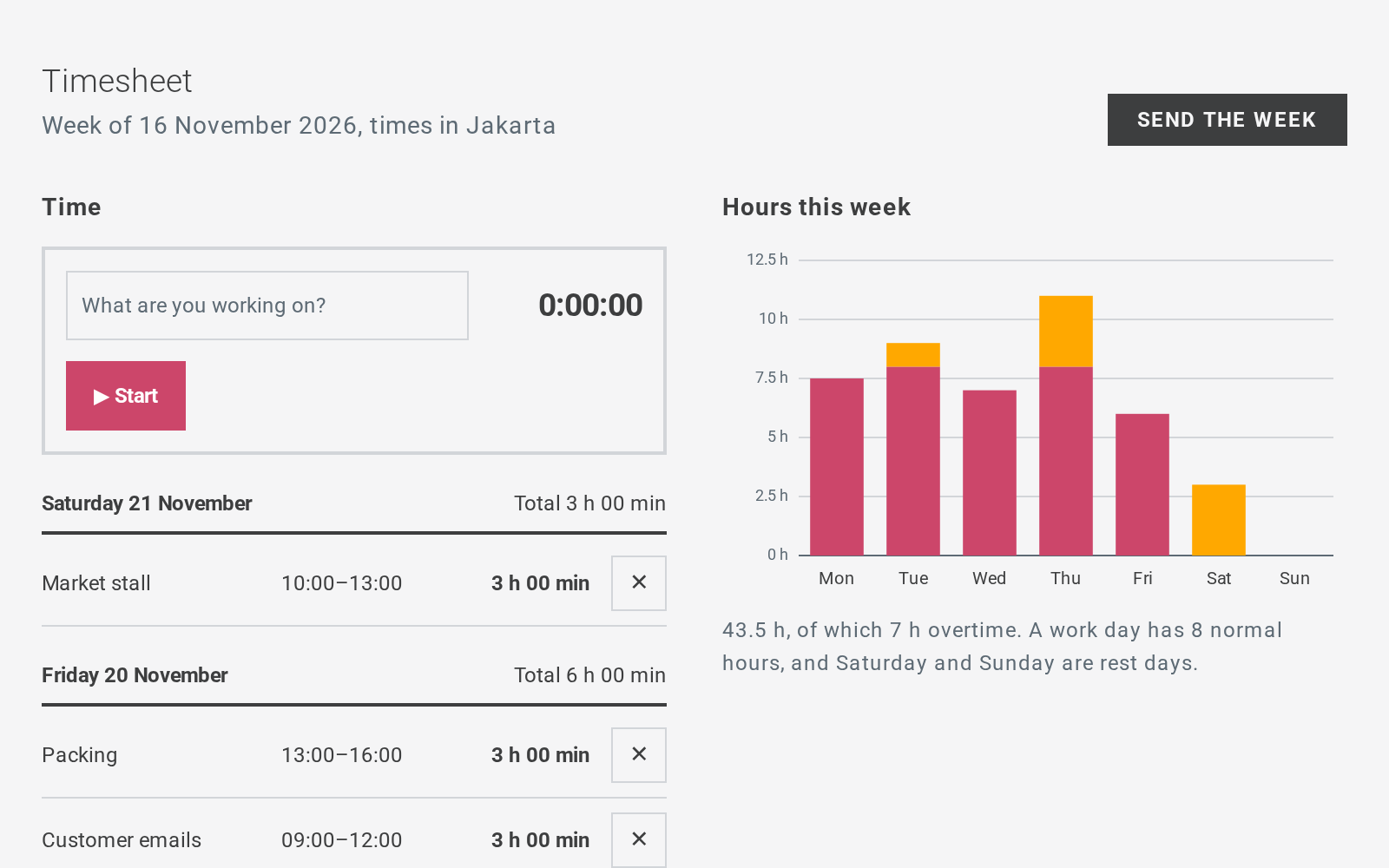 TimesheetA week of time entries, the normal hours and overtime of each day, and the pay so far. Overtime follows the Indonesian rules: 1.5 times for the first hour on a work day, then 2 times, and more on a rest day. A sent week goes to approval and does not change.
Money
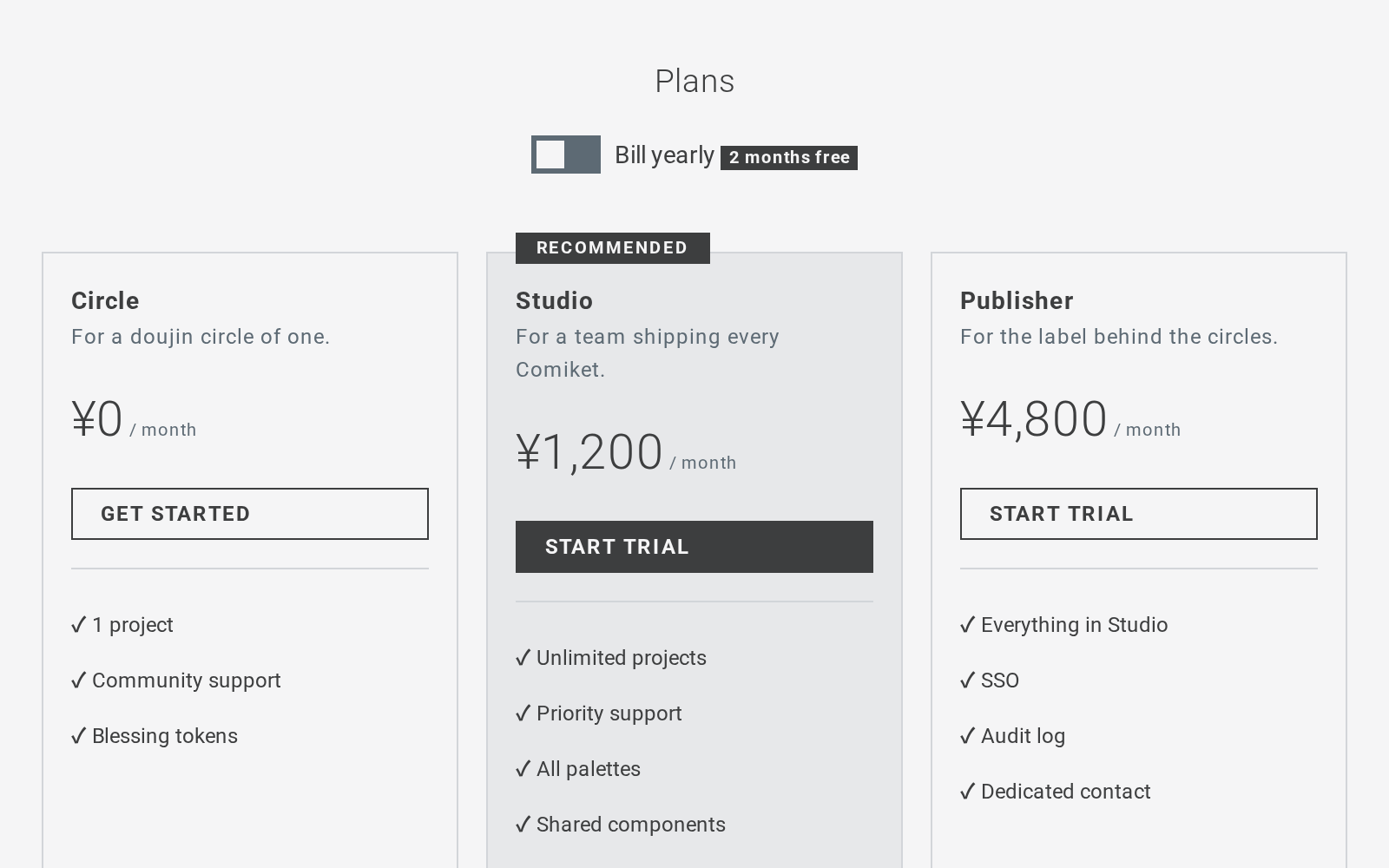 PricingThree tiers with a monthly and yearly switch, a highlighted recommended plan, and a feature checklist.
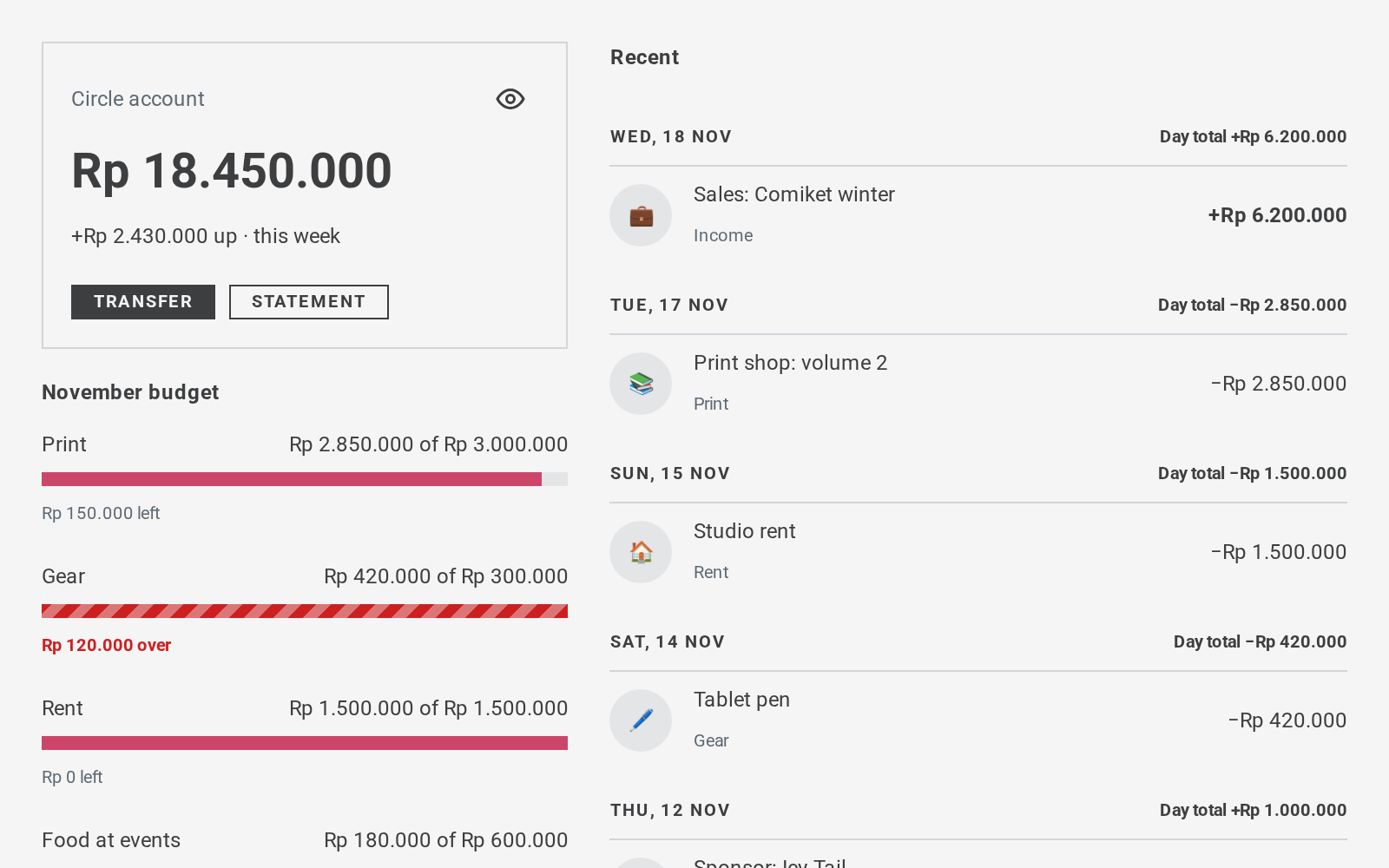 BankAn account page: the balance with Transfer, the budget for the month, and the recent transactions. Transfer opens a sheet that checks the amount, then asks for a PIN before the money moves.
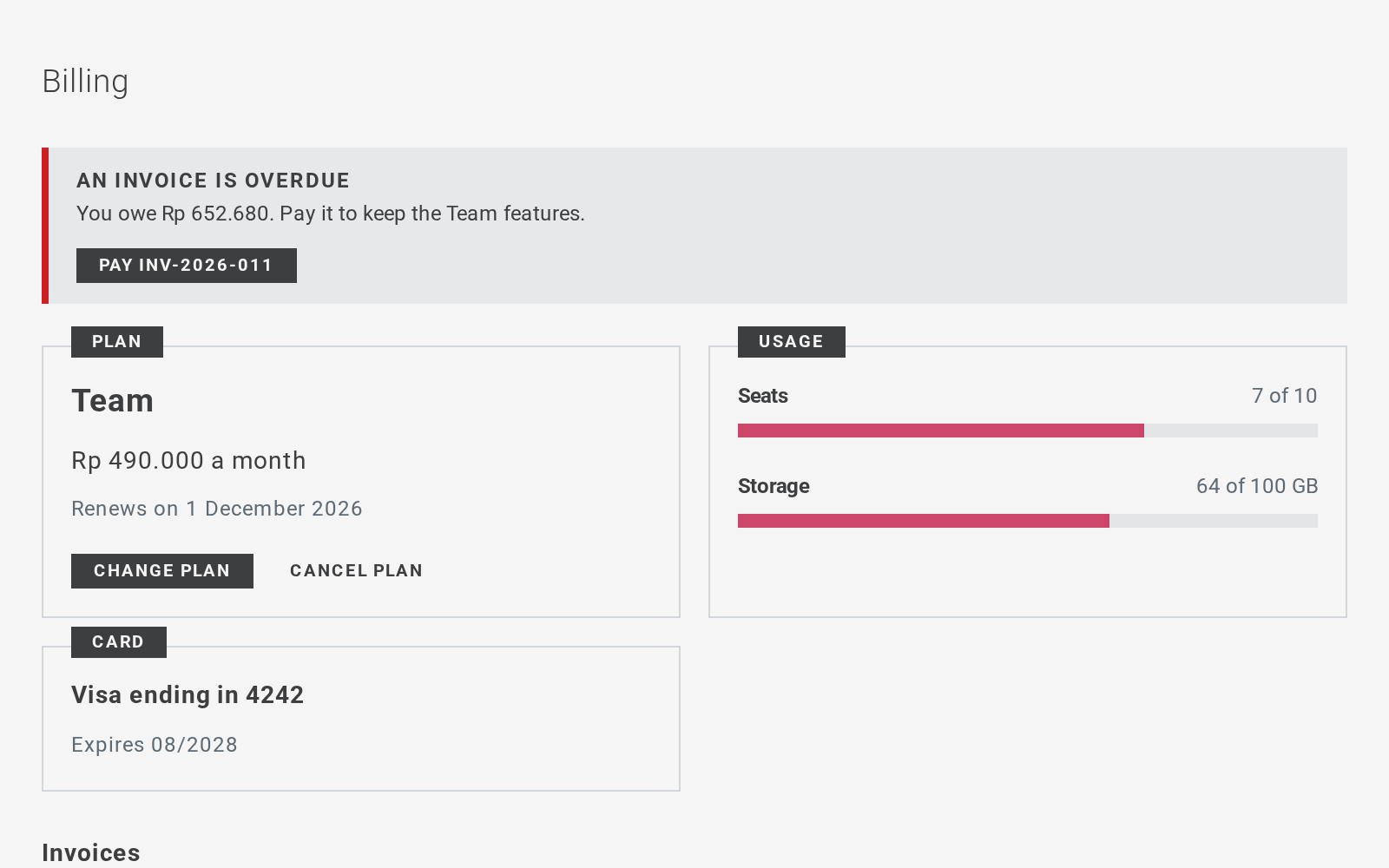 BillingThe plan, the usage, the card, and the invoices of an account. An overdue invoice shows at the top with a way to pay it. A smaller plan that cannot hold your seats or files says what to remove first.
Everyday
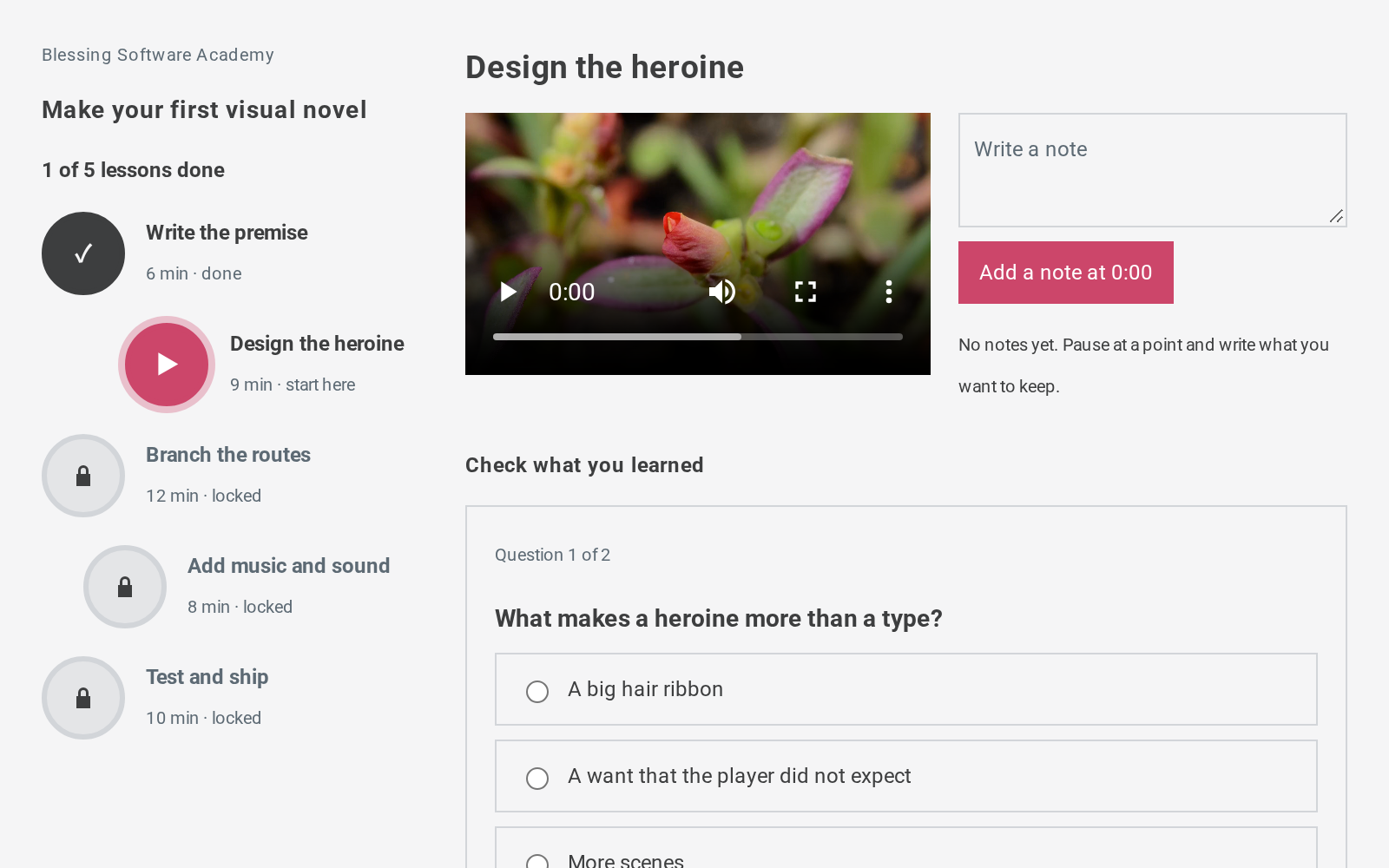 CourseAn online course: the lesson path with locked lessons, the lesson video with notes at a time, and a short quiz. A full score marks the lesson done and opens the next one.
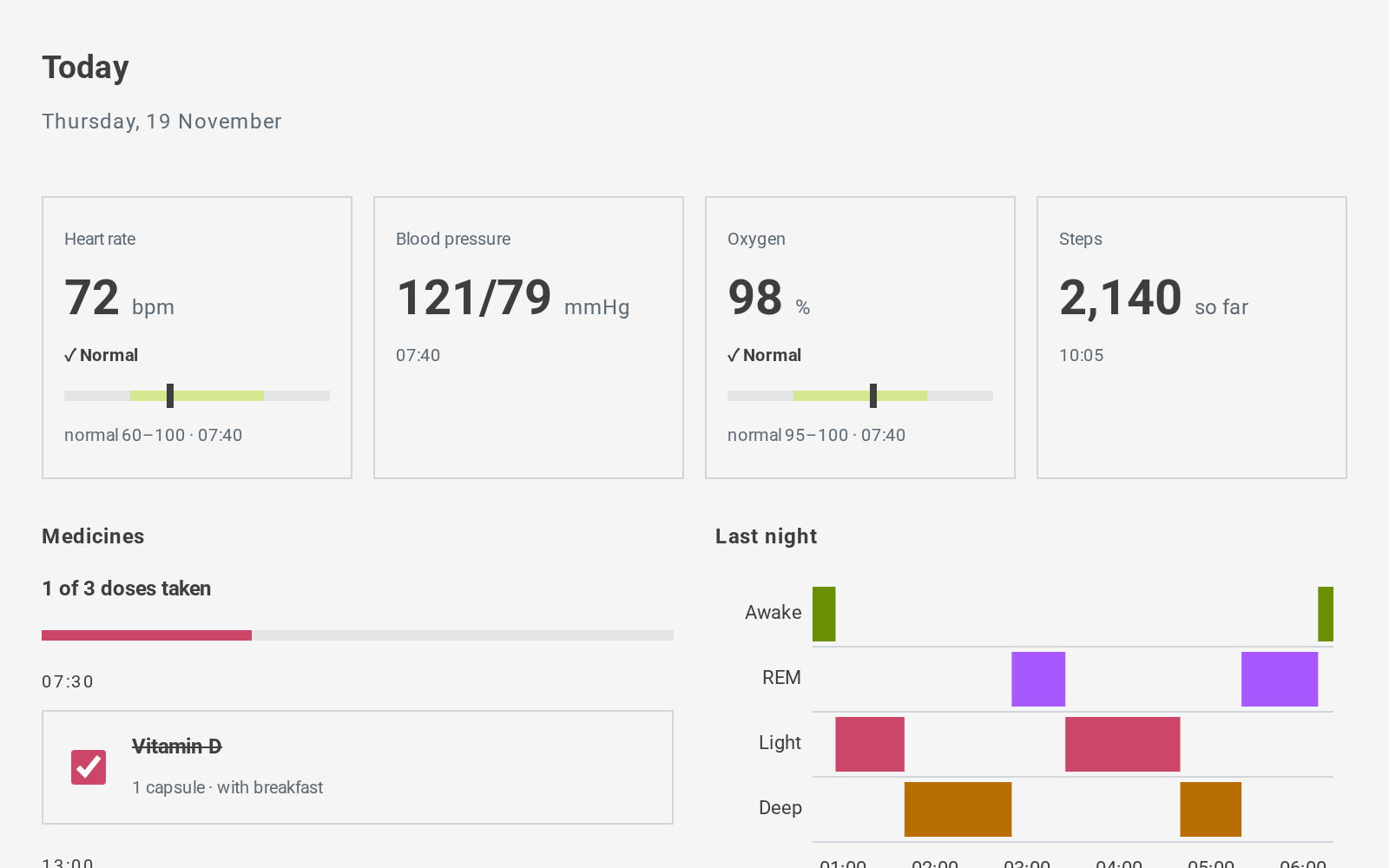 HealthA health tracker for one day: vitals with their normal ranges, the medicines to take, last night's sleep, the habits of the week, and the next doctor visit. Reschedule opens free times in a sheet.
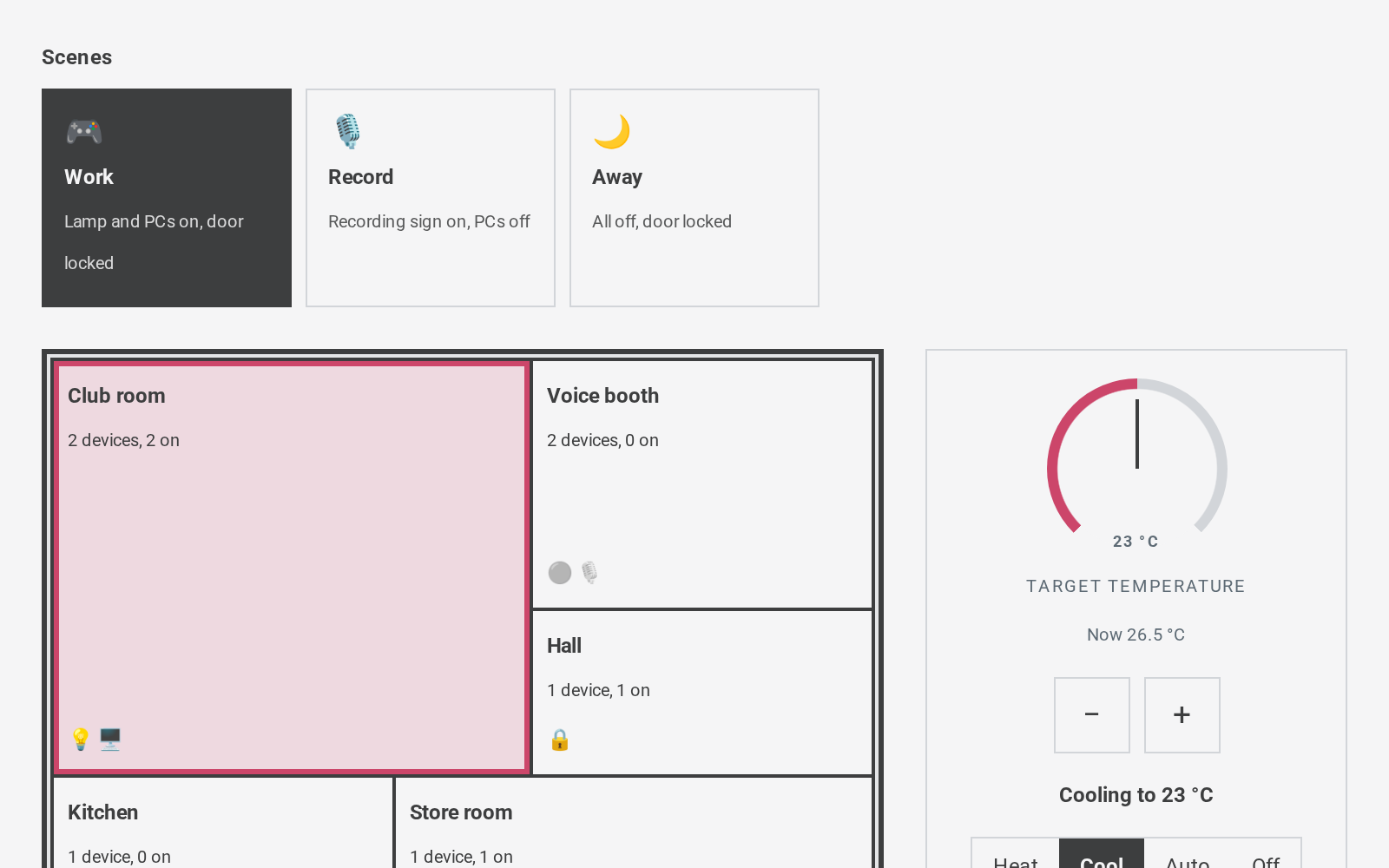 Smart homeA smart home app: scenes that set many devices at once, a floor plan that opens a room and its devices, the thermostat, and the batteries that run low. A scene and a device switch stay in step.
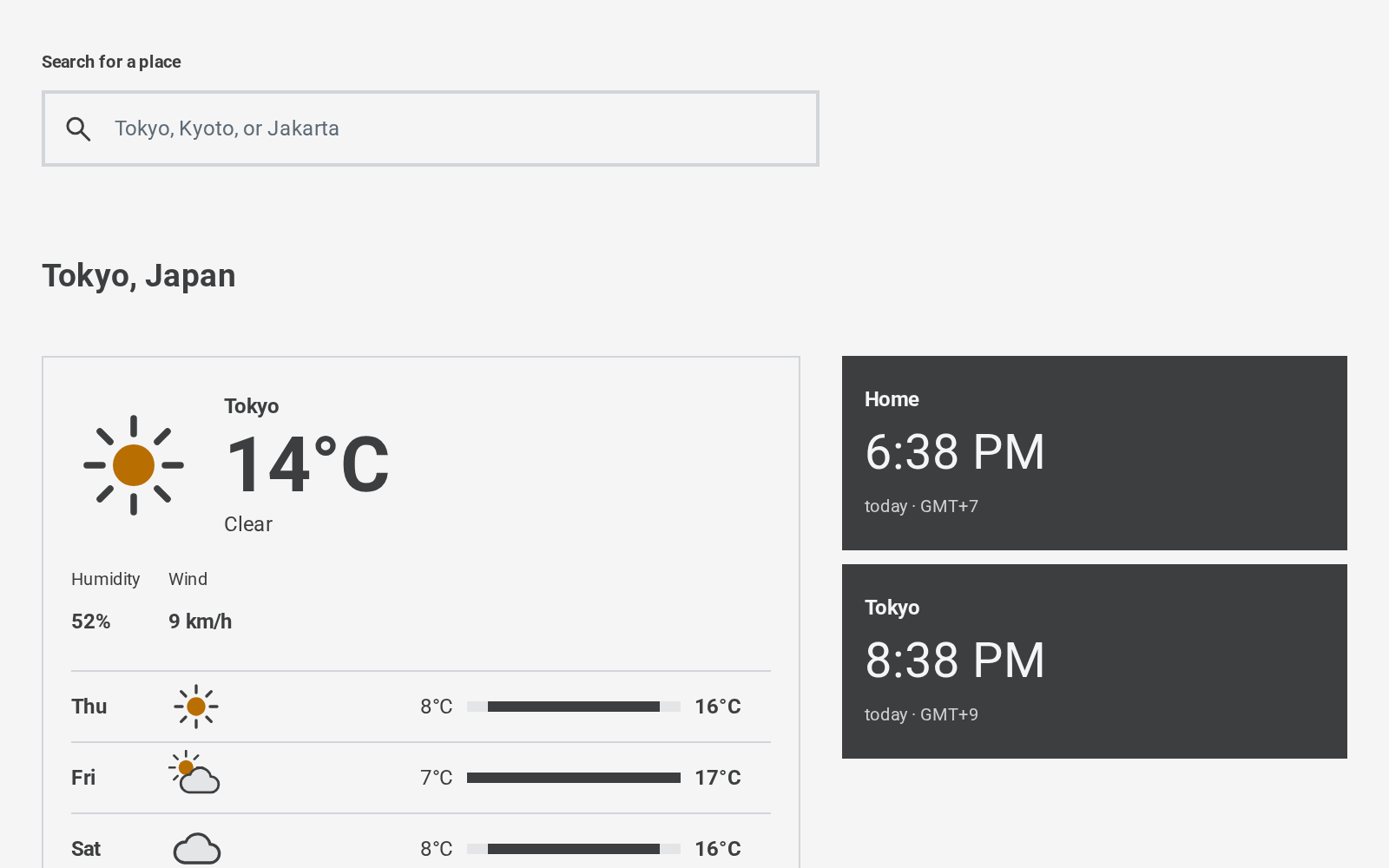 TripA trip helper: search a city, then see its weather for five days, the time there next to the time at home, and the places to visit on a map. Each part does one small job.
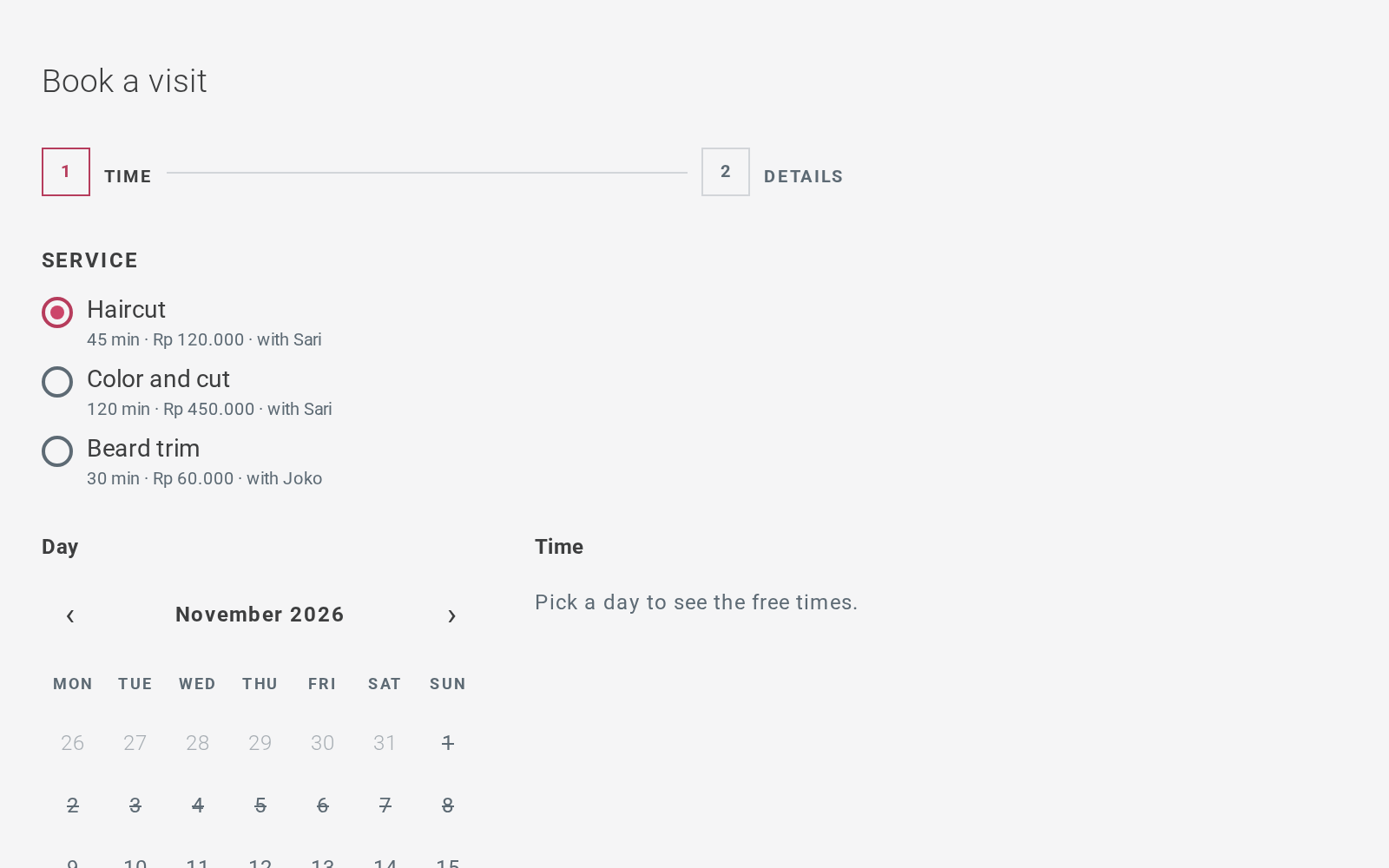 BookingBook a visit in two steps: a service, a day, and a free time, then your details. Closed days cannot be picked. If someone takes the time first, the block says so and goes back to the times.
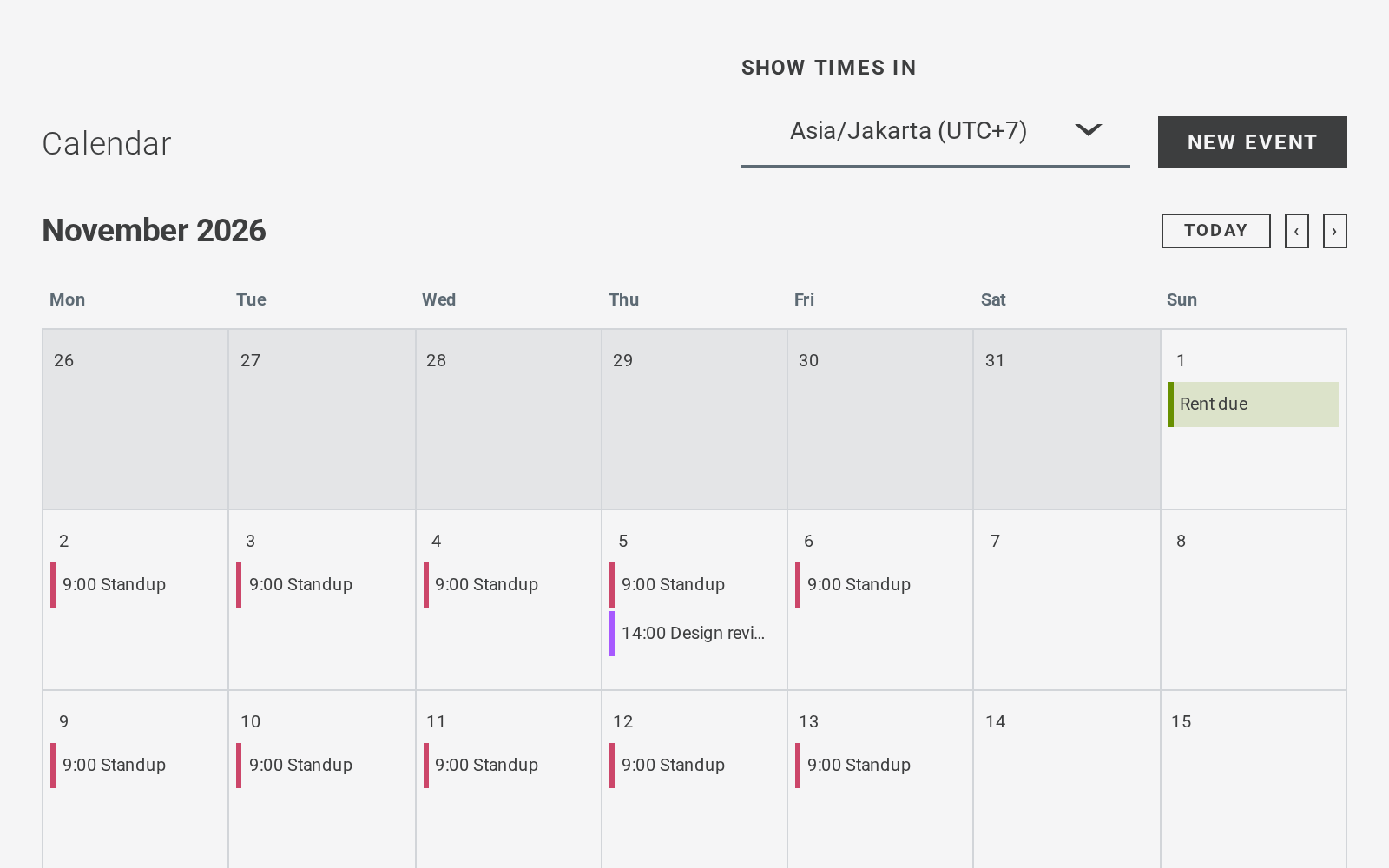 CalendarA month of events that repeat by a rule, seen in a time zone you pick. Each event keeps the zone it was made in, so a clock change does not move it. A new event says what it overlaps.
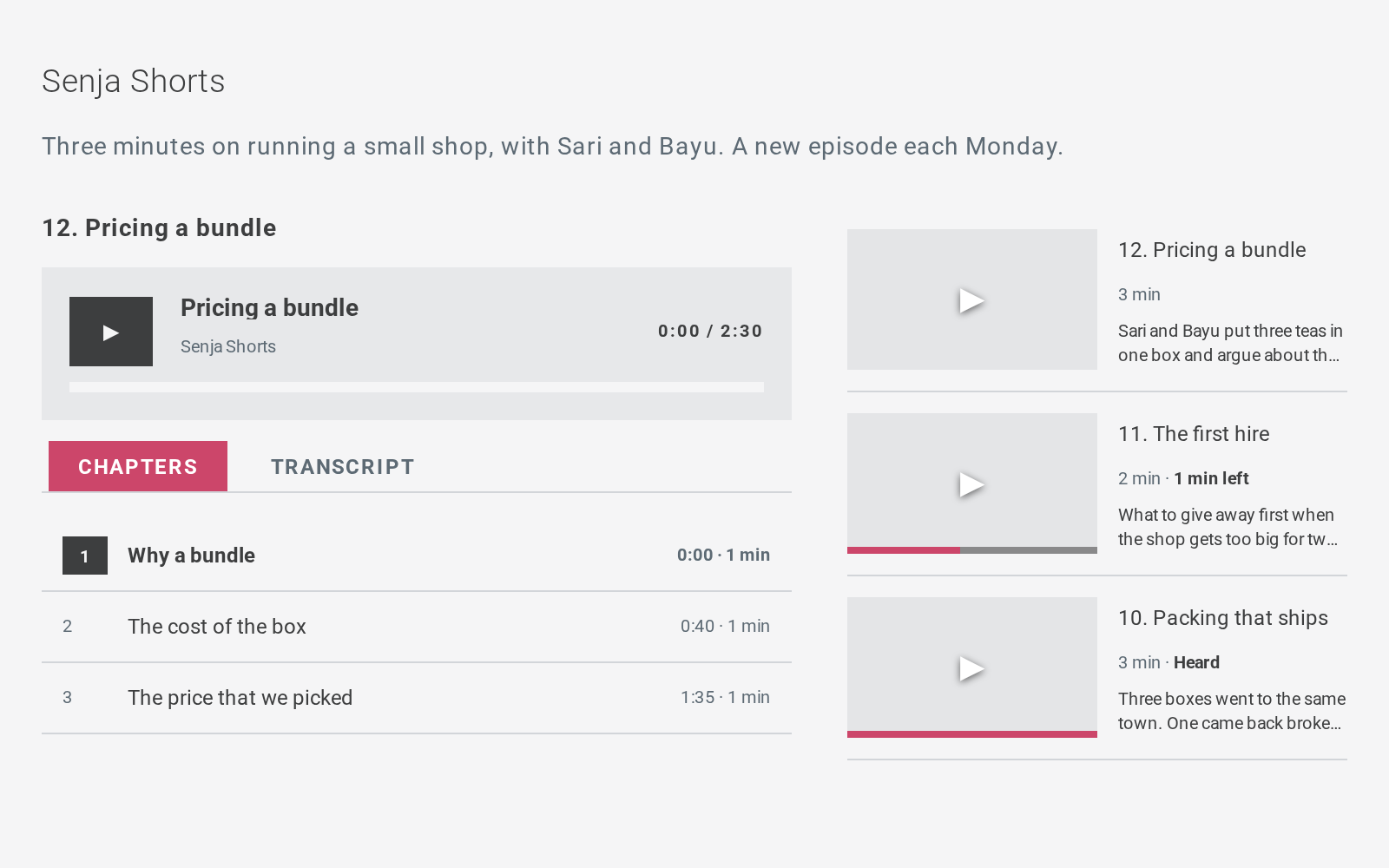 PodcastA show with its episodes, a player, chapters, and a transcript that follows the audio. Each episode starts where you stopped. Chapters and transcript lines seek the player, and the place is kept as you listen.
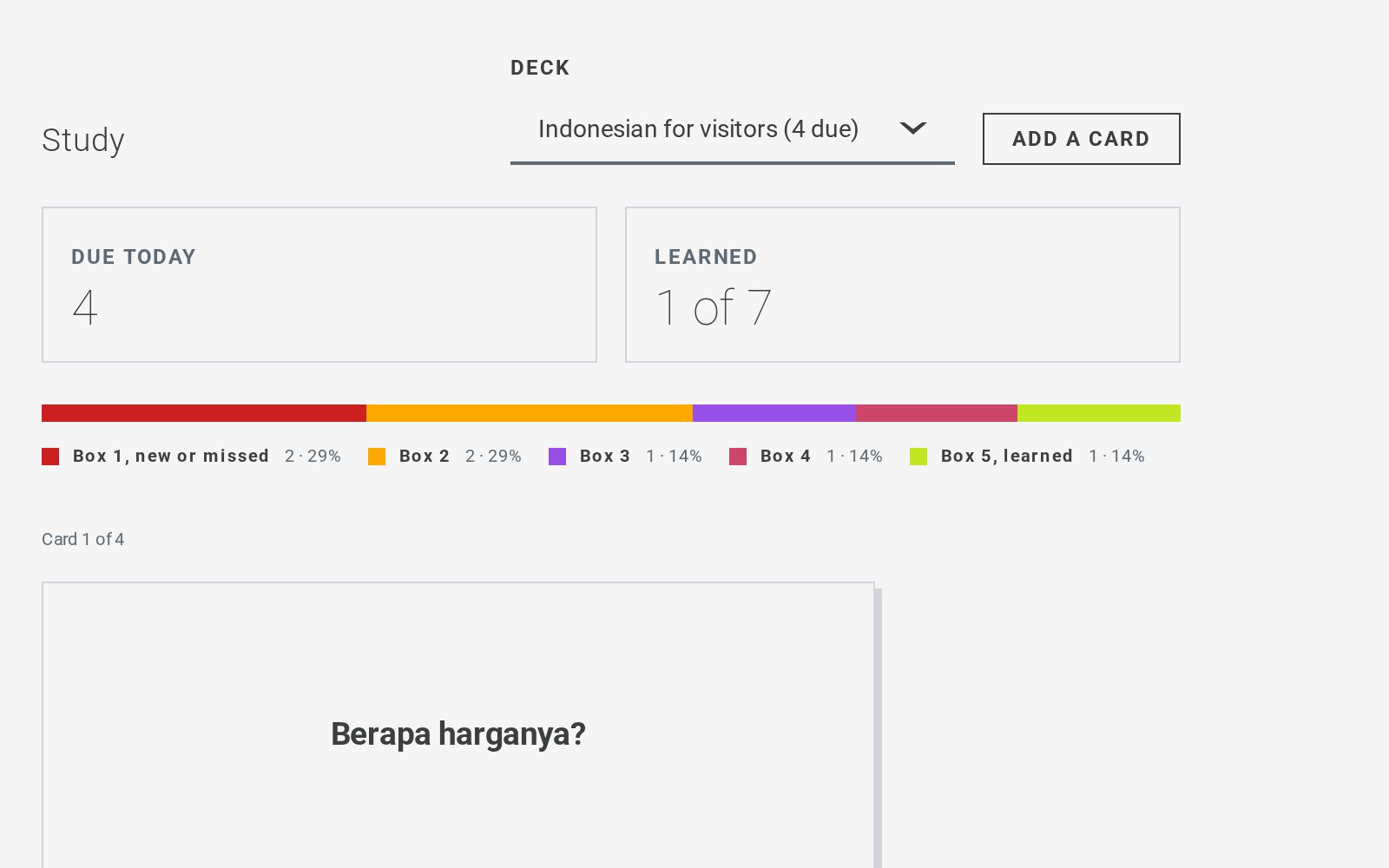 StudyDecks of cards that come back by Leitner boxes. A card that you know at the first try moves up a box and waits longer, and a card that you miss goes back to box 1. The meter shows how far each deck is.
Site frame
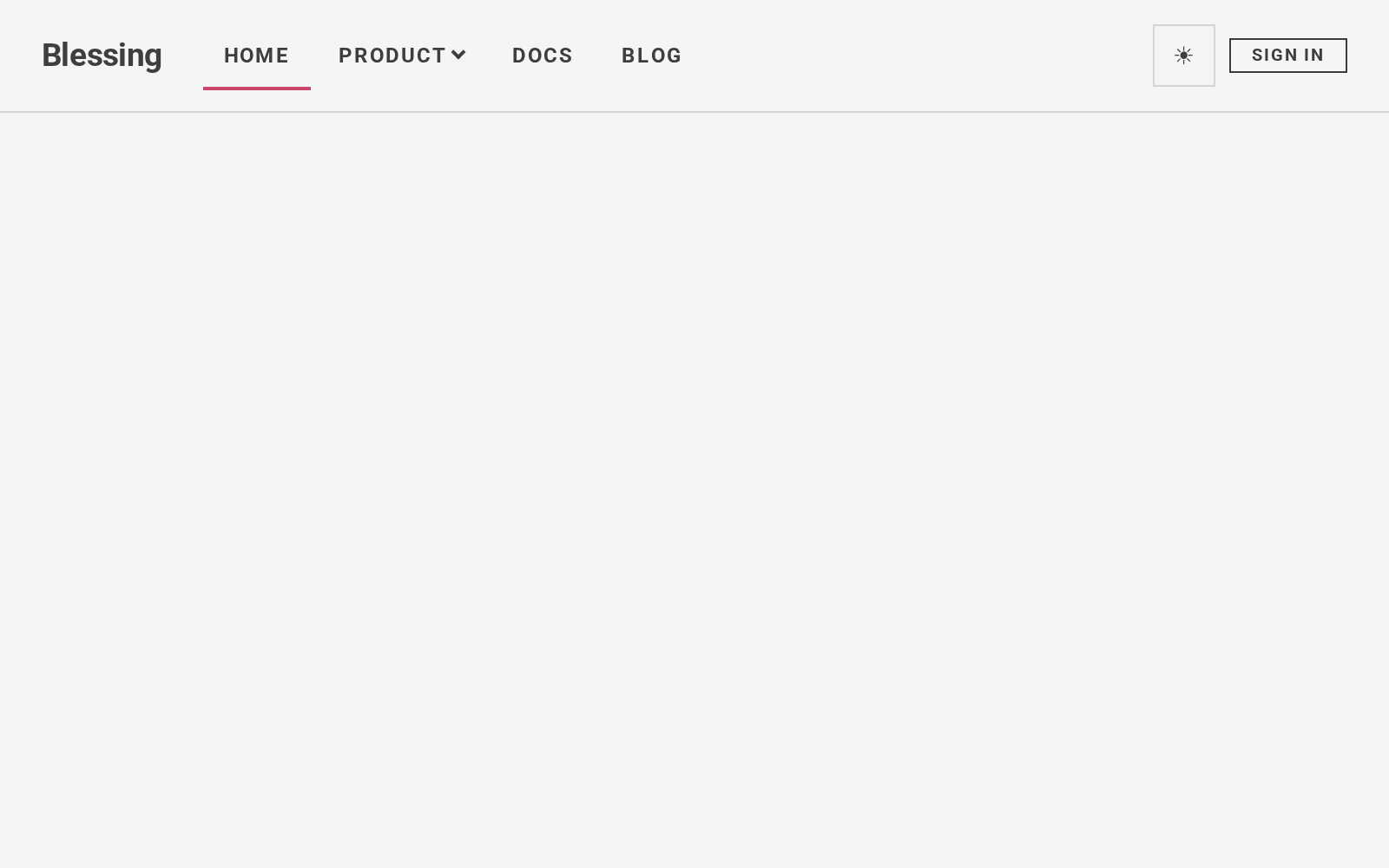 Site headerA wordmark, the main navigation with one dropdown, a theme switch, and a sign-in button. On a phone, the links move into a sheet behind a menu button.
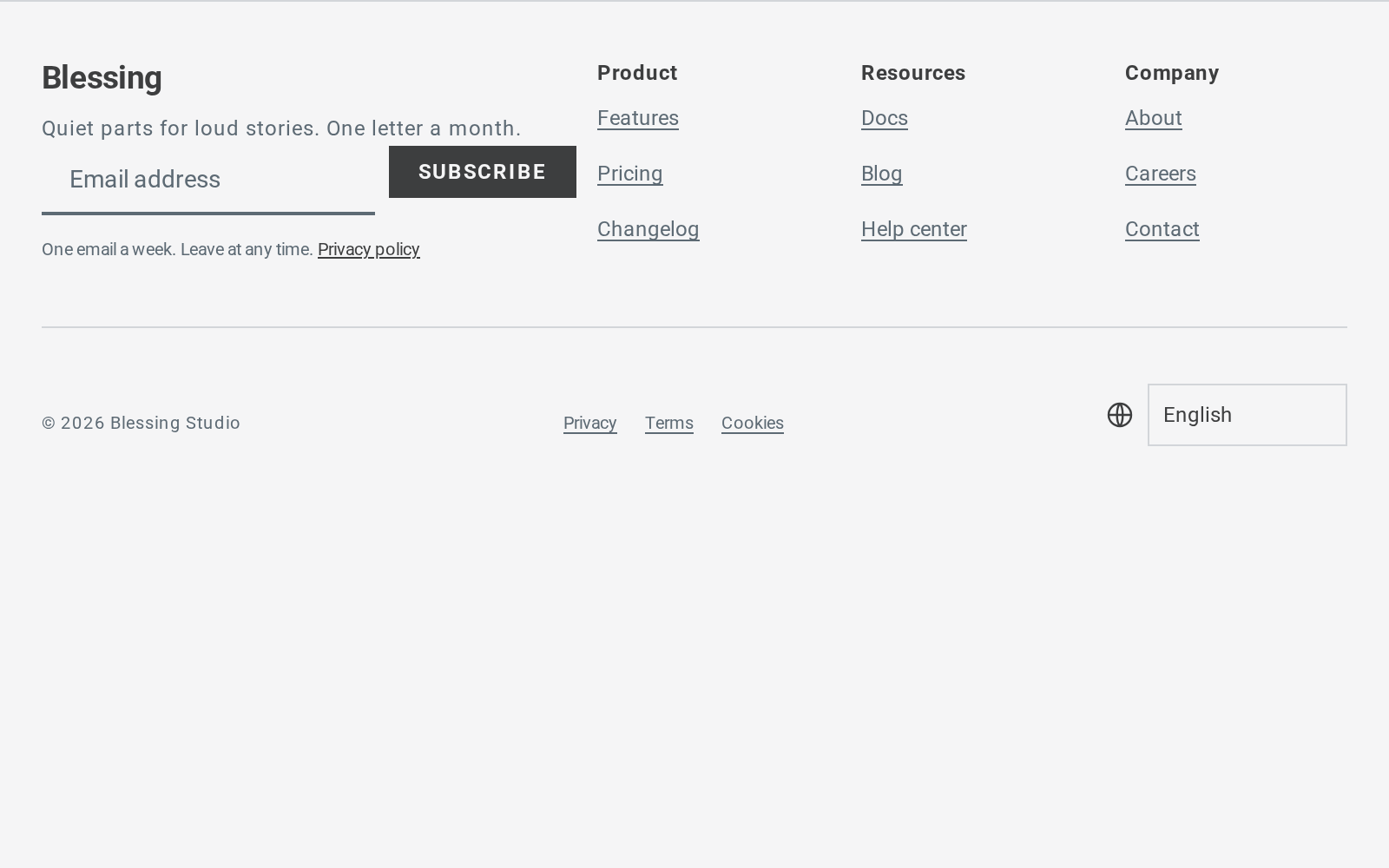 Site footerThe wordmark with a newsletter signup, three columns of links, and a fine-print row with the copyright, the legal links, and the language. The columns drop to two, then one, on a narrow screen.
Shop
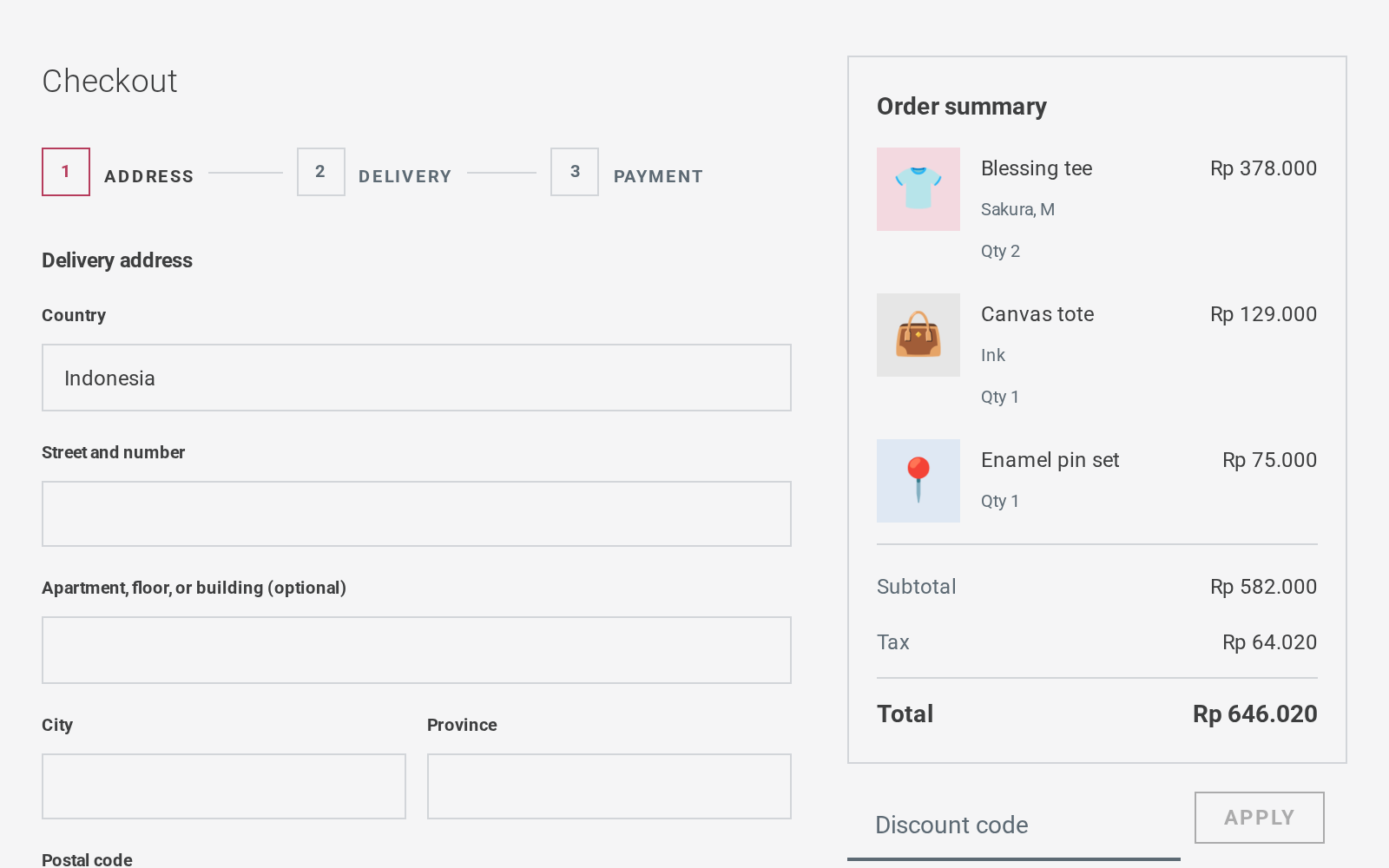 CheckoutThree steps from cart to order: the address, a delivery time, and the card. The order summary with a discount code stays next to the steps, and each step says what is missing before it goes on.
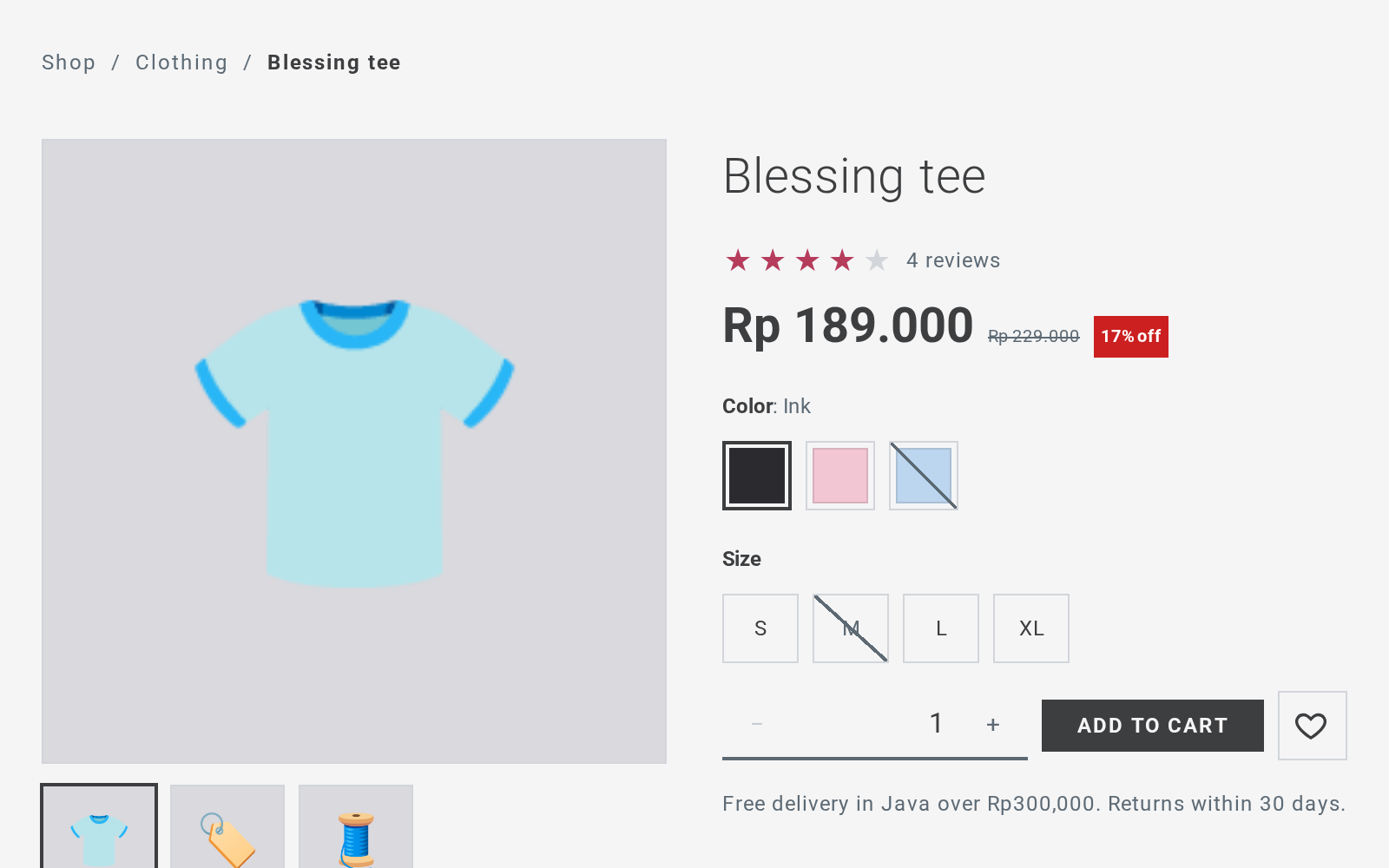 Product pageOne product: photos with a lightbox, the price, color and size with sold-out sizes, the quantity, and Add to cart. Tabs hold the description, the details, and the reviews, which filter by stars. Related products close the page.
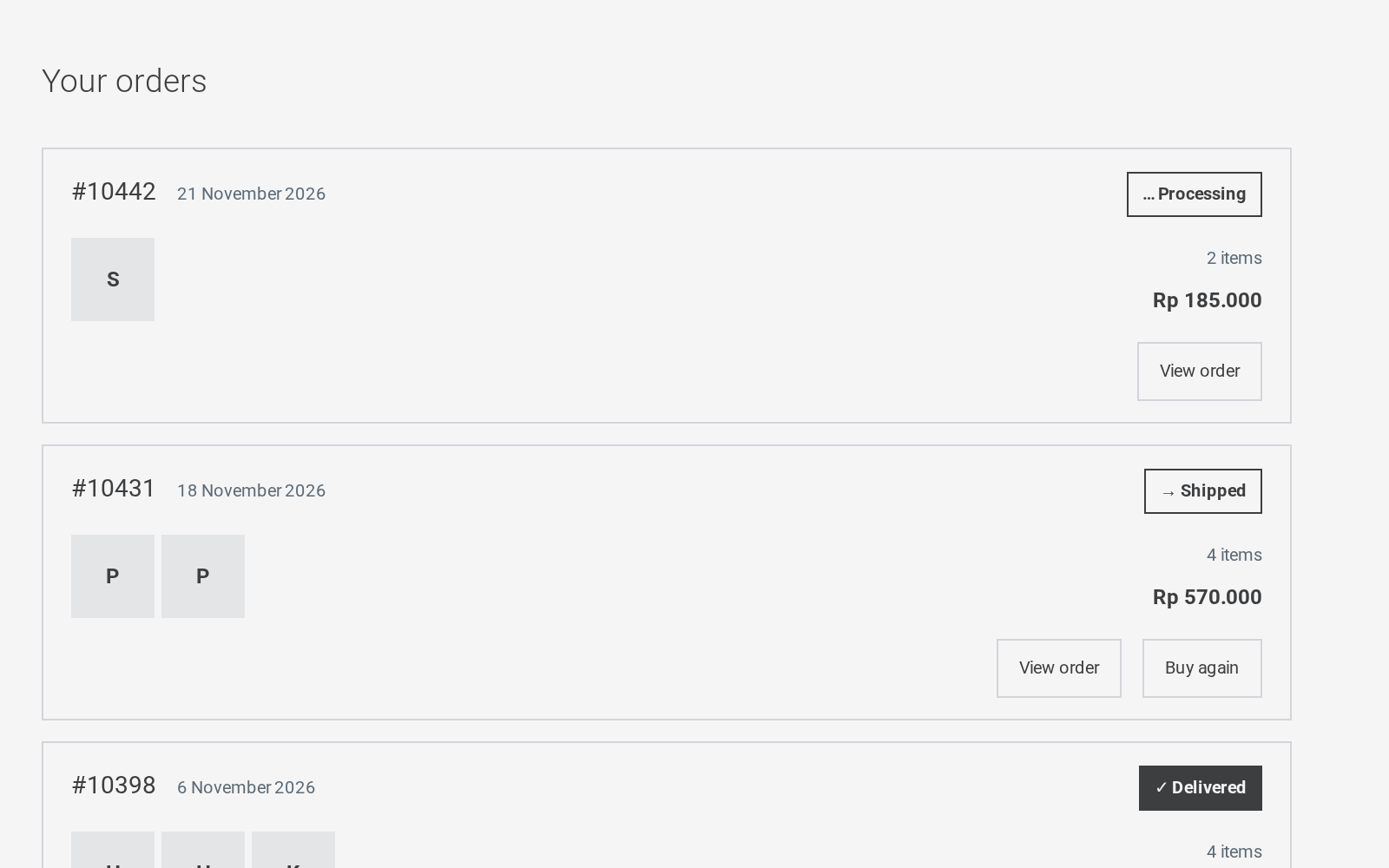 OrdersThe past orders of a buyer. Open an order to see where it is, cancel it before it ships, or return items within 30 days of delivery. Buy again puts the same items in the cart.
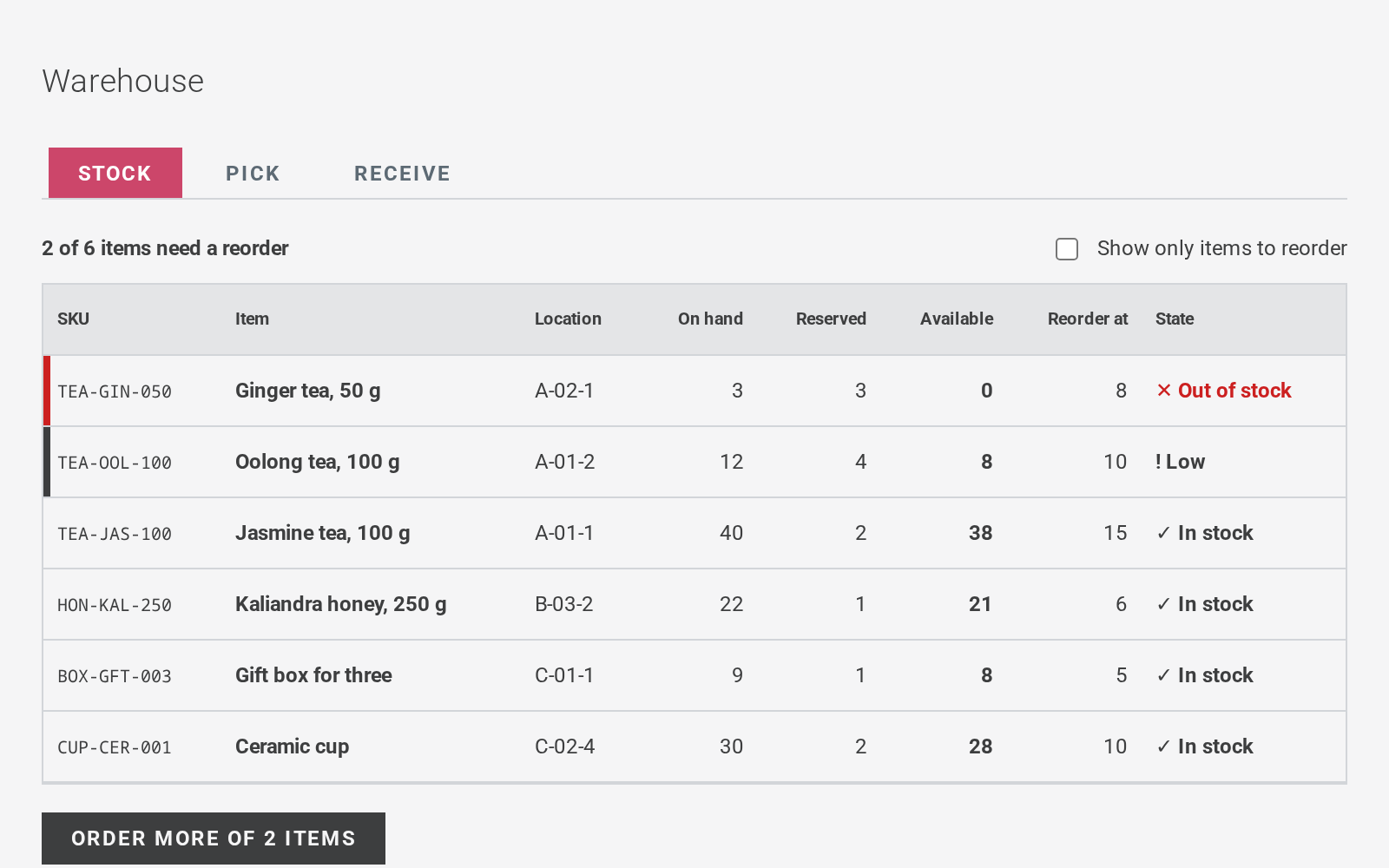 WarehouseStock levels against the reorder point, a picking list for each paid order, and deliveries that come in by barcode. A shipped order takes its items off the stock, and the low items go to the supplier in one purchase order.
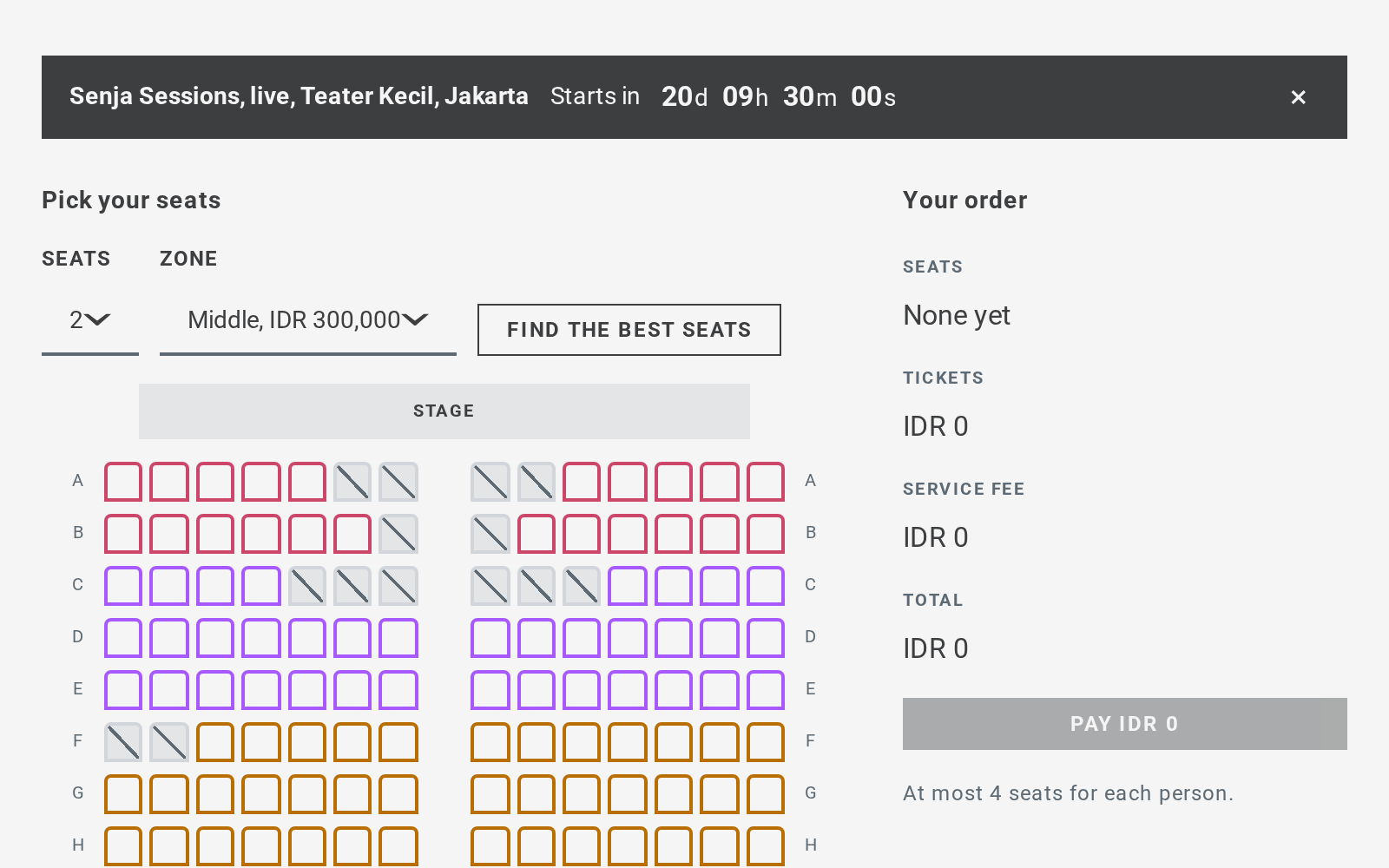 TicketsSeats for a show: pick them on the map, or ask for the best seats side by side in a zone. A seat that someone takes first comes off your order with a reason, and paid seats become tickets with a code.
Marketing
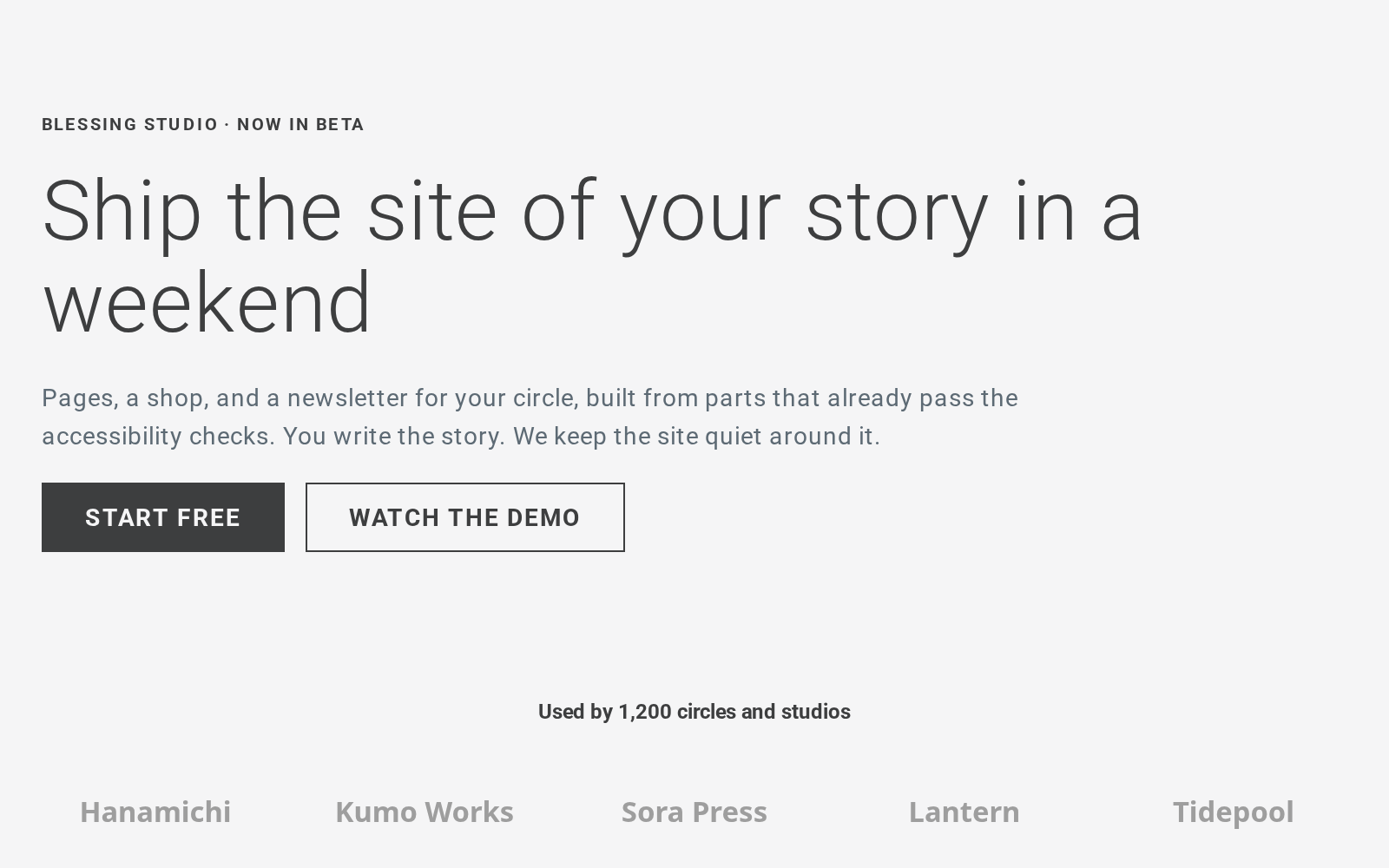 Landing pageA product landing page: a hero with two calls to action, a logo row, the features, numbers that count up, quotes from customers, an FAQ, and a closing call to action.
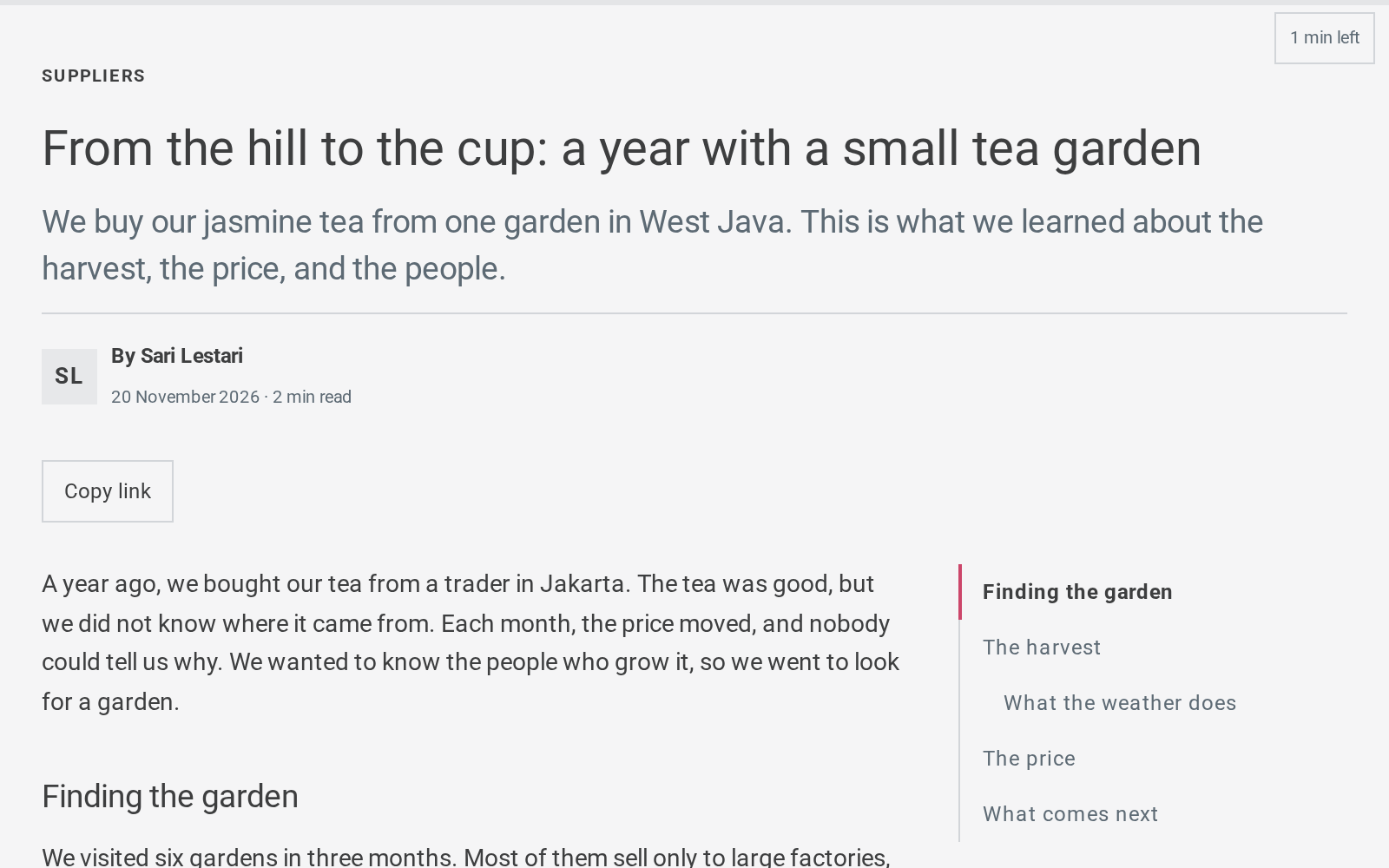 ArticleA long read with its reading time, a table of contents that follows the page, a pull quote, notes, and articles to read next. The editor writes notes inline, and the block numbers them in the order that they show.